Can the V5 handle more than one Vision Sensor at a time?
I am pretty sure yes.
I can not confirm, I do not have access to more than one, but I don’t see why not.
After all, you reference the vision sensor in the code with
leftvision.height
, so the functionality is there for a second sensor. It would definitively help with depth perception and reliability.
So it all comes down to how the vision sensor works. It isn’t just a webcam that sends the video over the wire. All the computation is done on the vision sensor and it just sends the locations occasionally, so the brain can handle as many as you want.
My understanding from what I’ve read in the published information is that the camera has a processor that does all of the color/object tracking stuff. The brain then retrieves this information to display or do further calculations. So, as far as I can tell, yes, I’m pretty sure you’re right.
I built this little guy to test out the object tracking, the code is a C++ PID code (although it doesn’t use the I as that’s a bit redundant on a moving object).
VEX Vision sensor object tracking
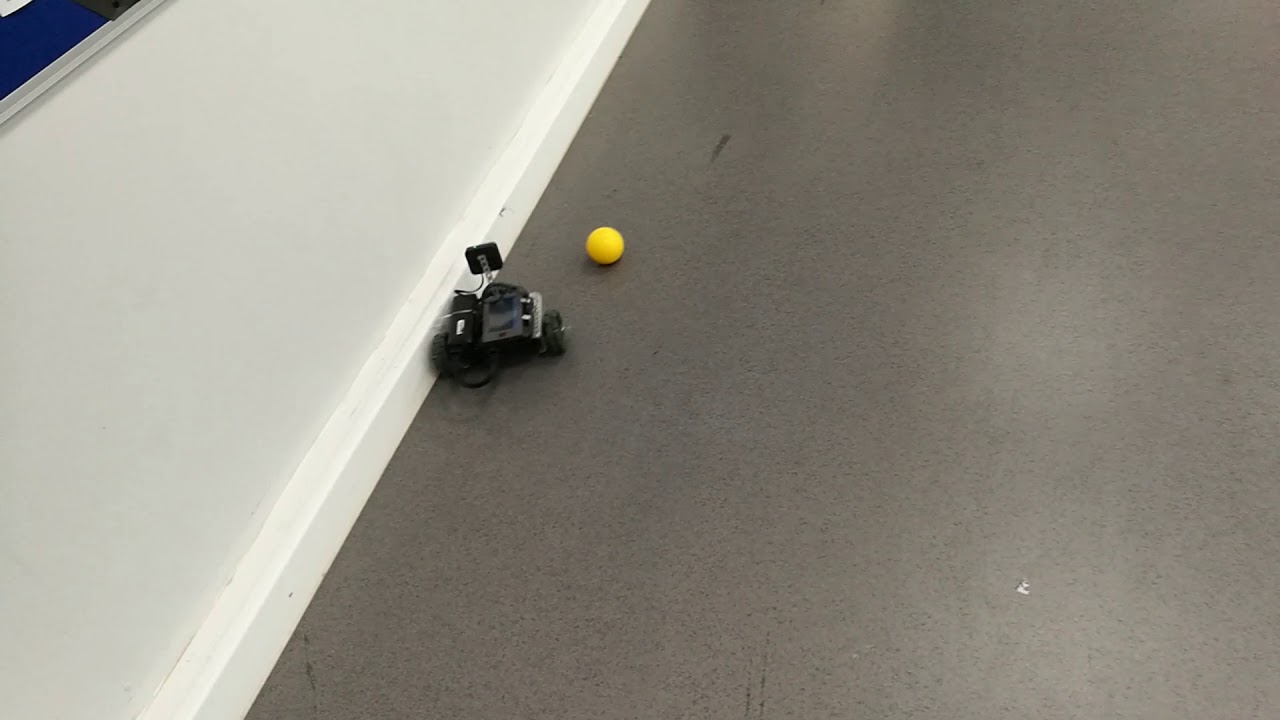
My question though is when you have multiple Signatures I haven’t figured out how to tell the code which one it is to focus on.
I haven’t done it yet, but here is the way I think I’m going to sketch it out for my students:
vex::vision.objects is “An array containing the largest object(s) found in the data sample.”
You can quickly determine the size of that array, such as from
vex::vision.objectCount which is “The amount of objects found in the data sample.”
Now you can check the coordinates of the various objects using
vex::vision::object.centerX and
vex::vision::object.centerY
Going for simplicity, if you’re doing something like following a ball, follow the ball object that is closest to the center of the screen (or wherever you’re trying to keep it on the screen). For the most part this should allow you to track one ball among multiple. Sure, it can lose track. Say one ball bumps into the one you’re following: which does it follow? But for most our purposes, I don’t think it’s going to matter much so long as you’re chasing a ball. With flags you wouldn’t go with centering, but rather looking at the heights on the screen to differentiate to know if there are multiple flags to toggle or just one. I do think it will be handy to generally set the viewing angle to just look over the lowest flag when shooting. But for turning low flags by hitting them that isn’t nearly so useful.
Anyway, hopefully that helps some.
Yes it can determine the biggest object etc… i’m having more issue switching between different coloured objects and selecting which signature (flag, ball, blue cap, red cap) to make the code focus on. I’m sure I’ve missed something obvious.
Depends what you’re trying to do and which team color you’re on, right? For flags, I would look for the opposing color, since that’s what you want to shoot, and ignore your own color. For caps, similar, but what you see depends on camera angles and how high or far away the cap is, so it’s trickier.
For flags, targeting the green edge works really well, so no matter which team that is fine.
What I haven’t yet been able to do is switch between targeting flags to looking for balls or caps. It’s that mid auto switch I want.
Update: I just found it, V5: Aim a VEX V5 Vision Sensor at a Target - General Forum - VEX Forum
I knew it was a simple thing I missed it wasn’t working for me as I didn’t put ‘sig_’ in front of the signature name… silly…
Since the robots are restricted to one side for autonomous, that’s probably fine. I was thinking more generally with my response. You wouldn’t want to target a red flag when you’re on the red alliance and start scoring for the opposing alliance, for instance. And if you’re determining heights and calculating distances to automatically adjust settings, that could still matter outside of autonomous.