You should just be able to right click on the terminal and select clear.
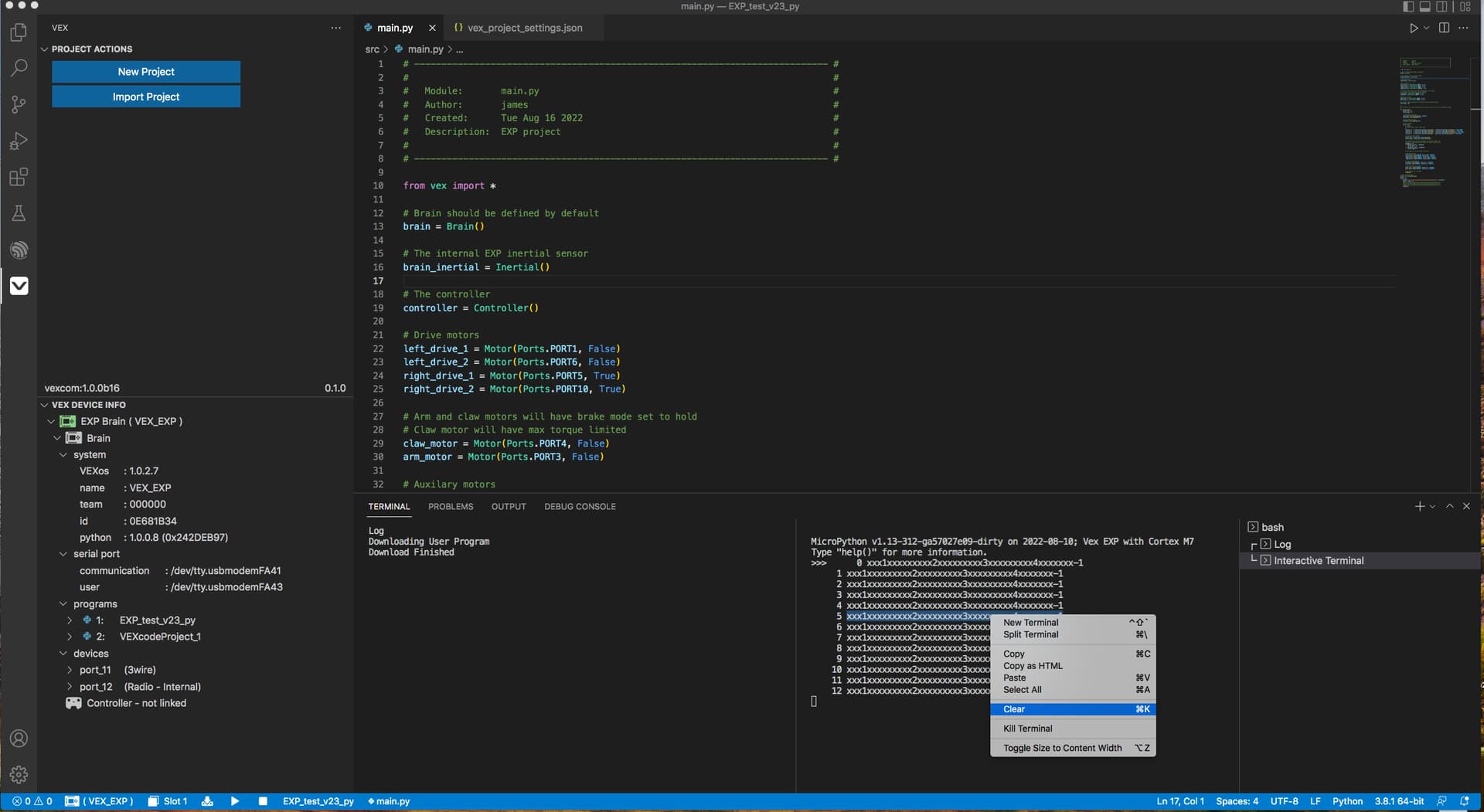
and FYI, the terminal can be moved to other areas by dragging from the list on the right hand side. Here I moved it below the code window (VSCode feature, nothing to do with the VEX extension).
