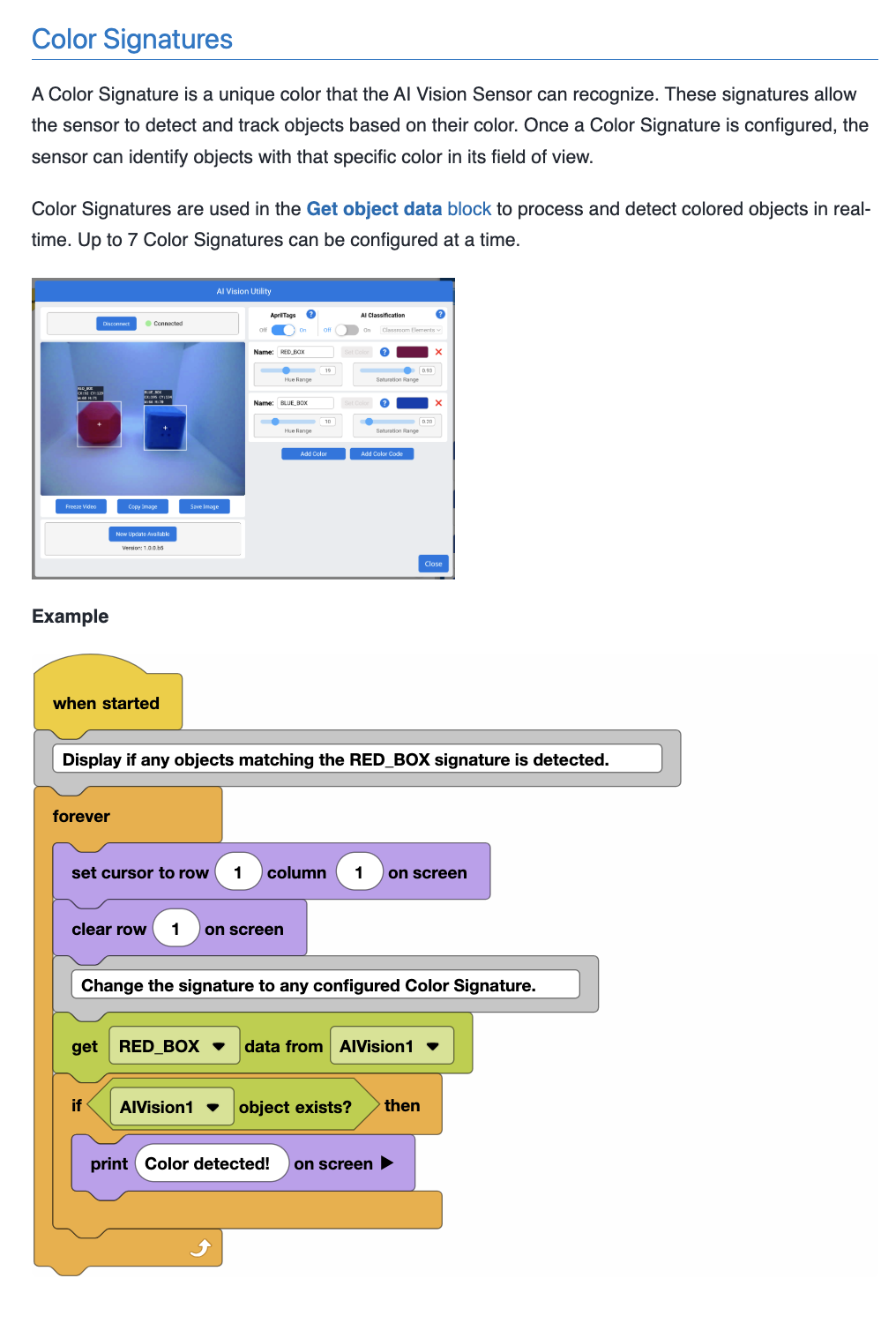
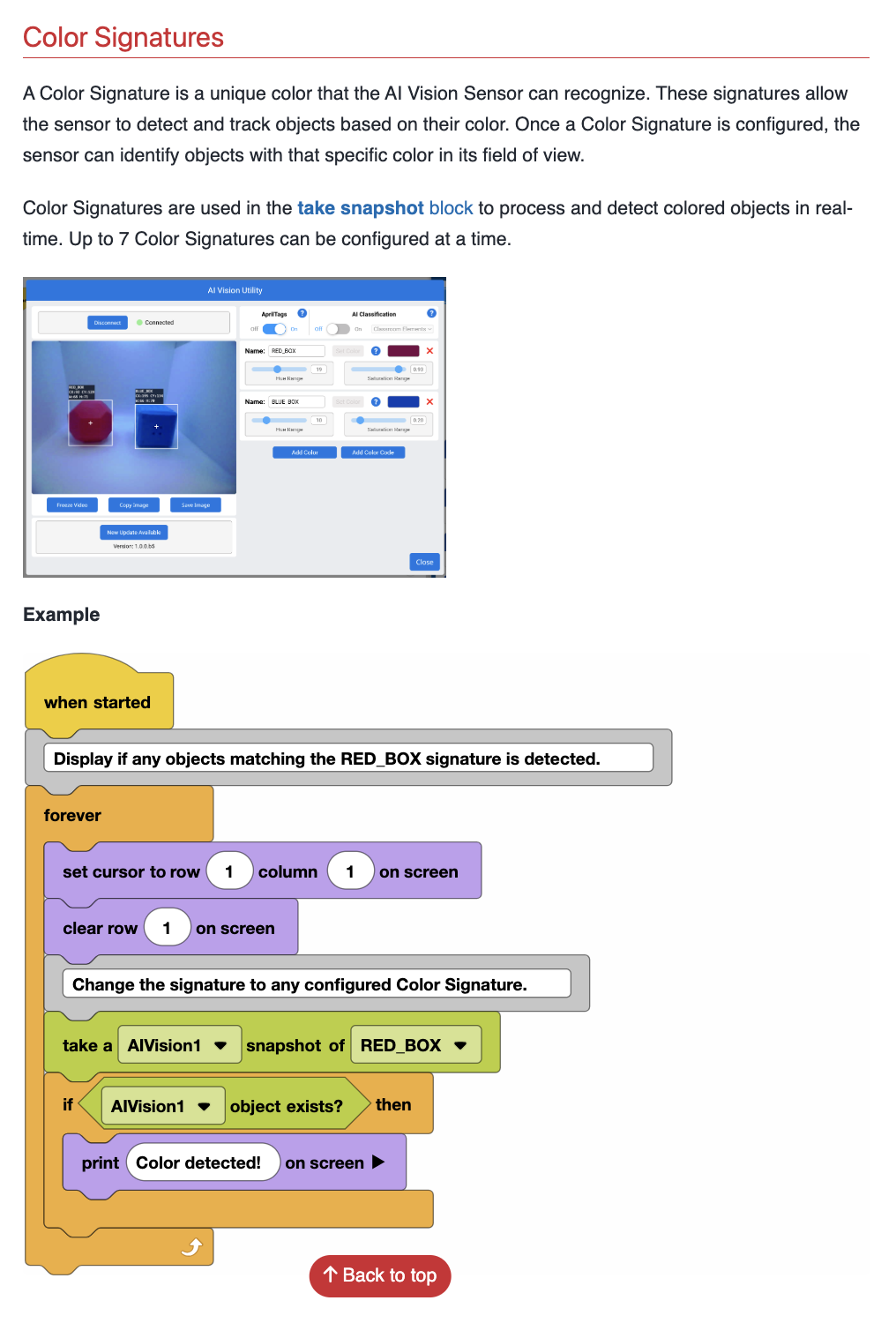
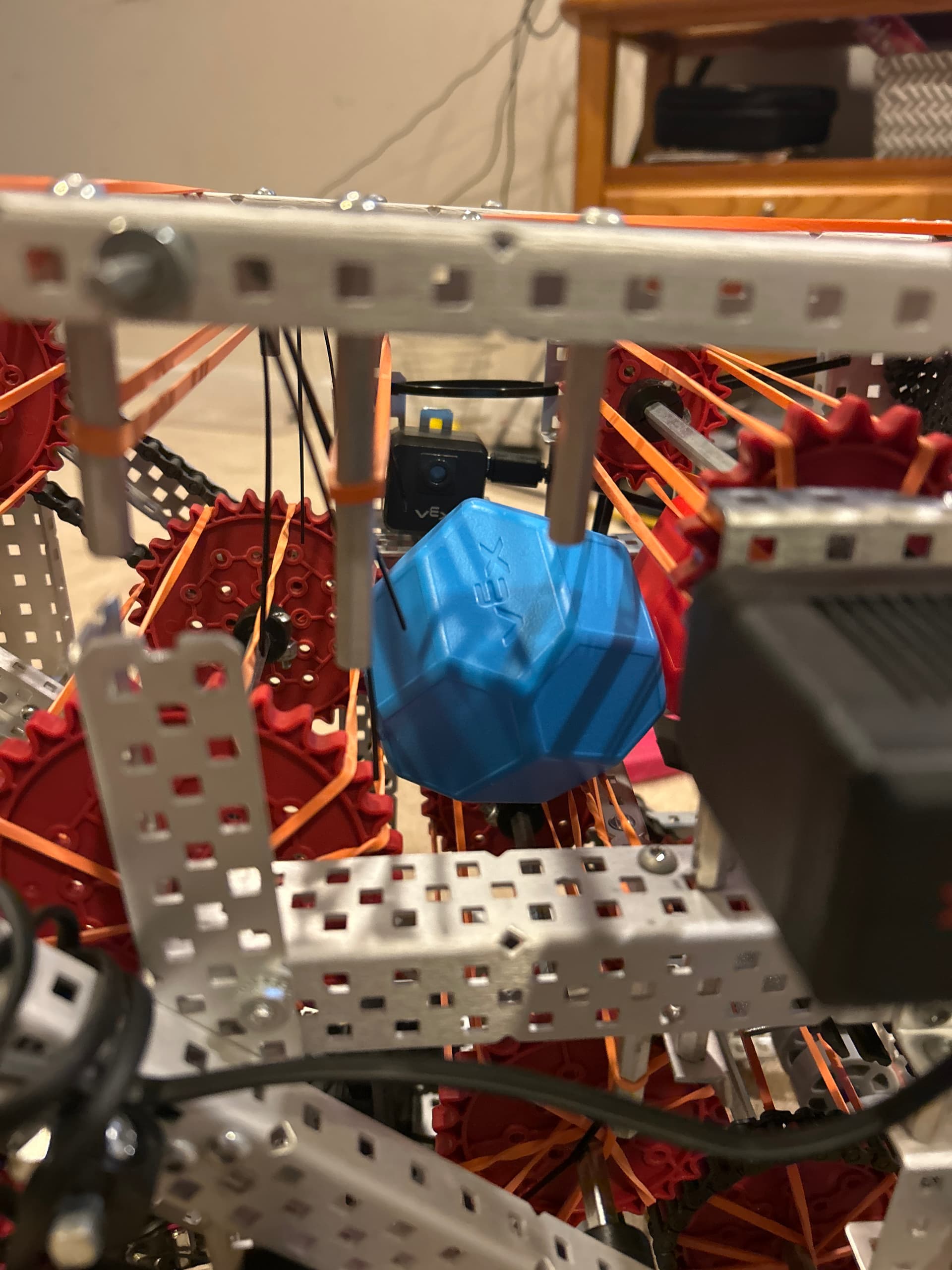
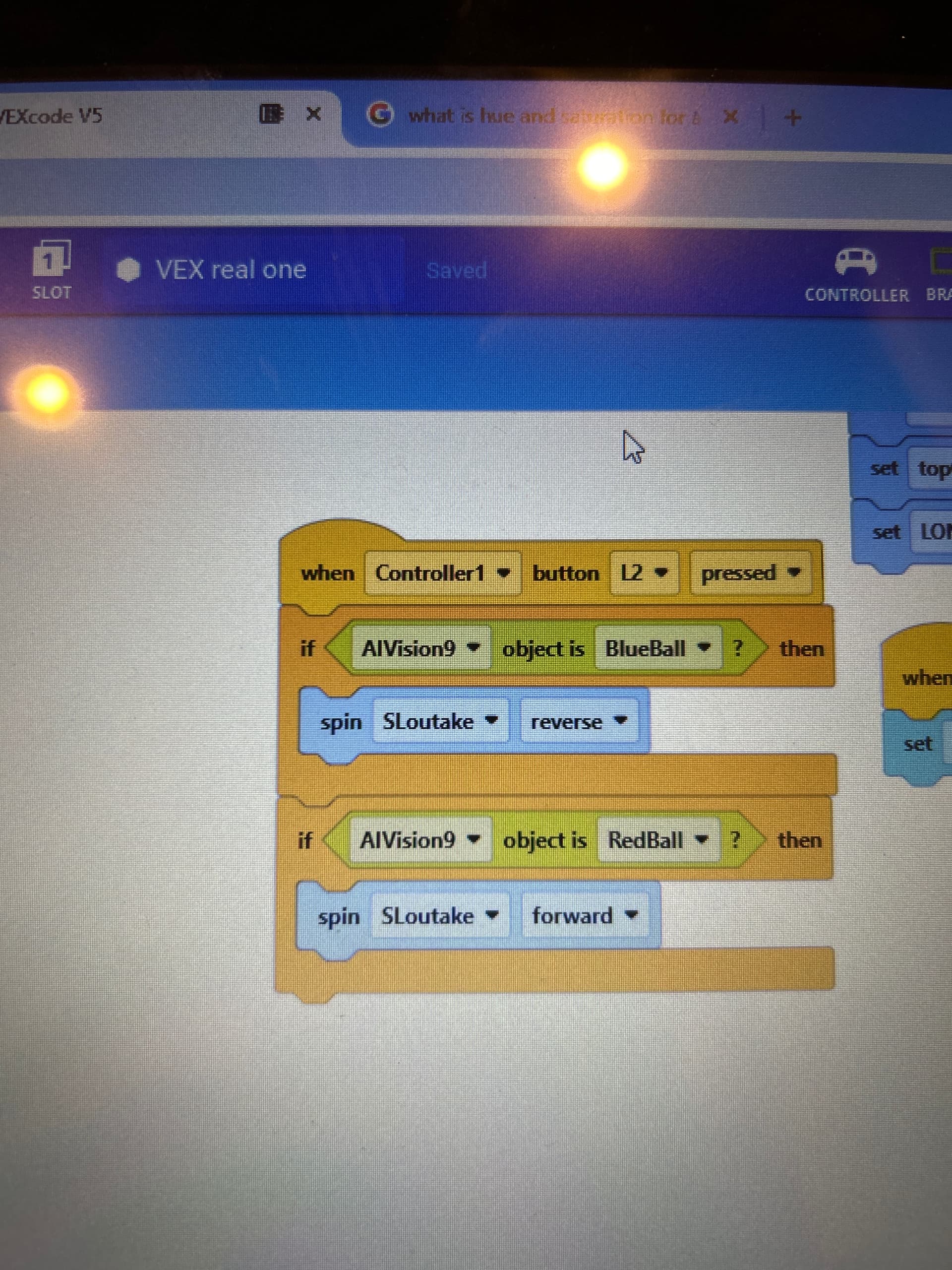
So we are at the last stages of our robot and we just have color sort to go. The problem is that when we start the code and there’s a block in the sight of the AI vision sensor, it does it when it starts but after we start it and we put one in, it doesn’t sort. Here’s a look at our code…using block btw…
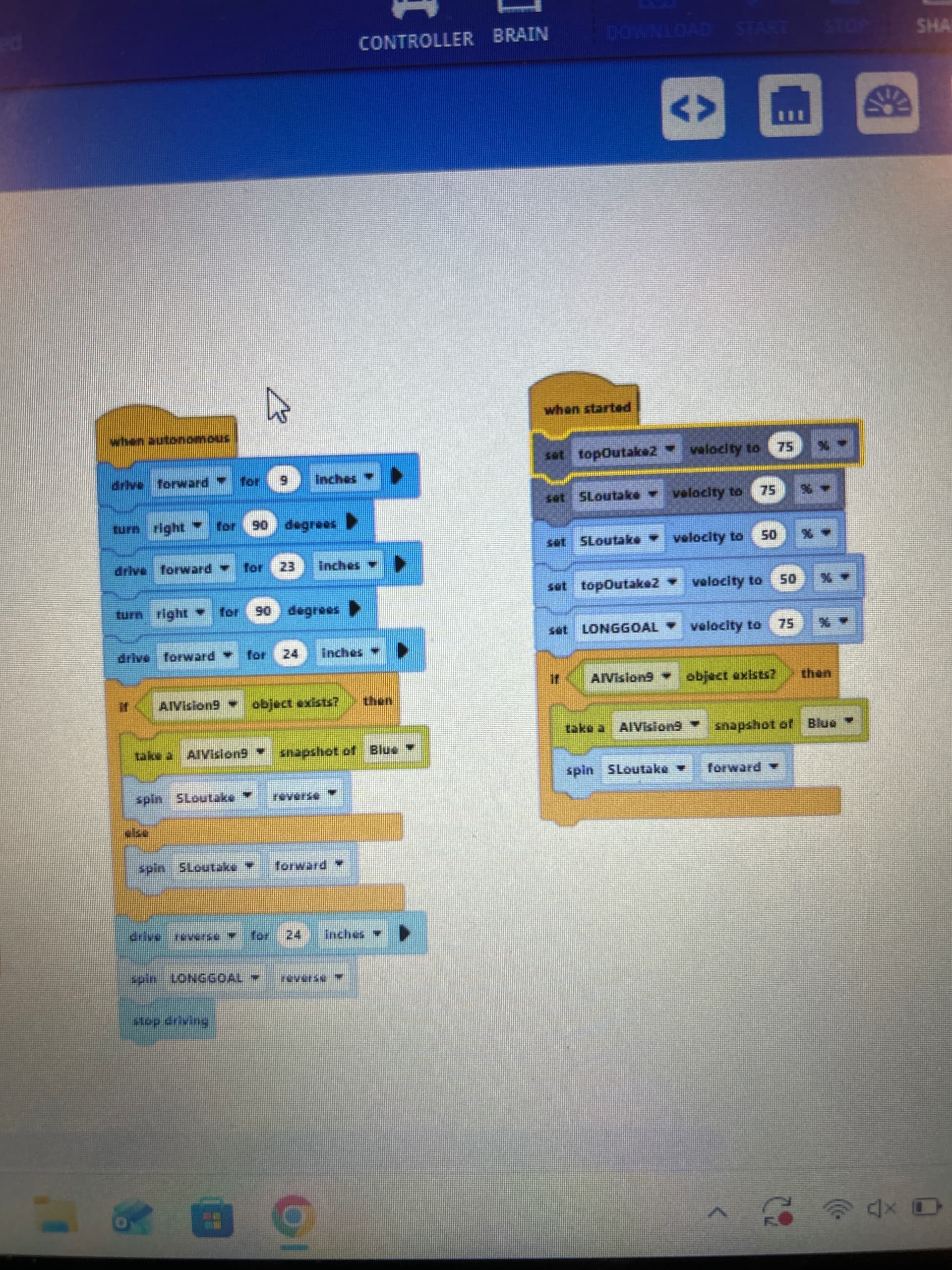
You need to be using take snapshot before checking if an object exists.
Read through this page, you ignored my suggestion
(I also moved your topic out of the robot mesh studio support category, not sure why you thought it should go there)
It doesn’t really talk about color sorting. Or colors in general. Can you give me a guideline to how to code what I’m trying to do?? You don’t have to though. Thanks.