My team is fairly new to the V5 system and c++ we were wondering if the community can help us get started with auton and and answer questions that we have. We use vexcode. (Very noob questions)
How do we make a motor move is it Motorname.spin(vex::directionType::fwd)
Do we use if else to stop a motor or do we just
Motorname.stop
These are all the questions we have now but maybe this can turn into a thread for teams who are just starting out or teams that are also confused.
Check if your computer is connected to the V5 brain or controller. If it is, click on the top right button that looks like a download button should get the job done. If the button isn’t green though, it might be connection problem and it would not download.
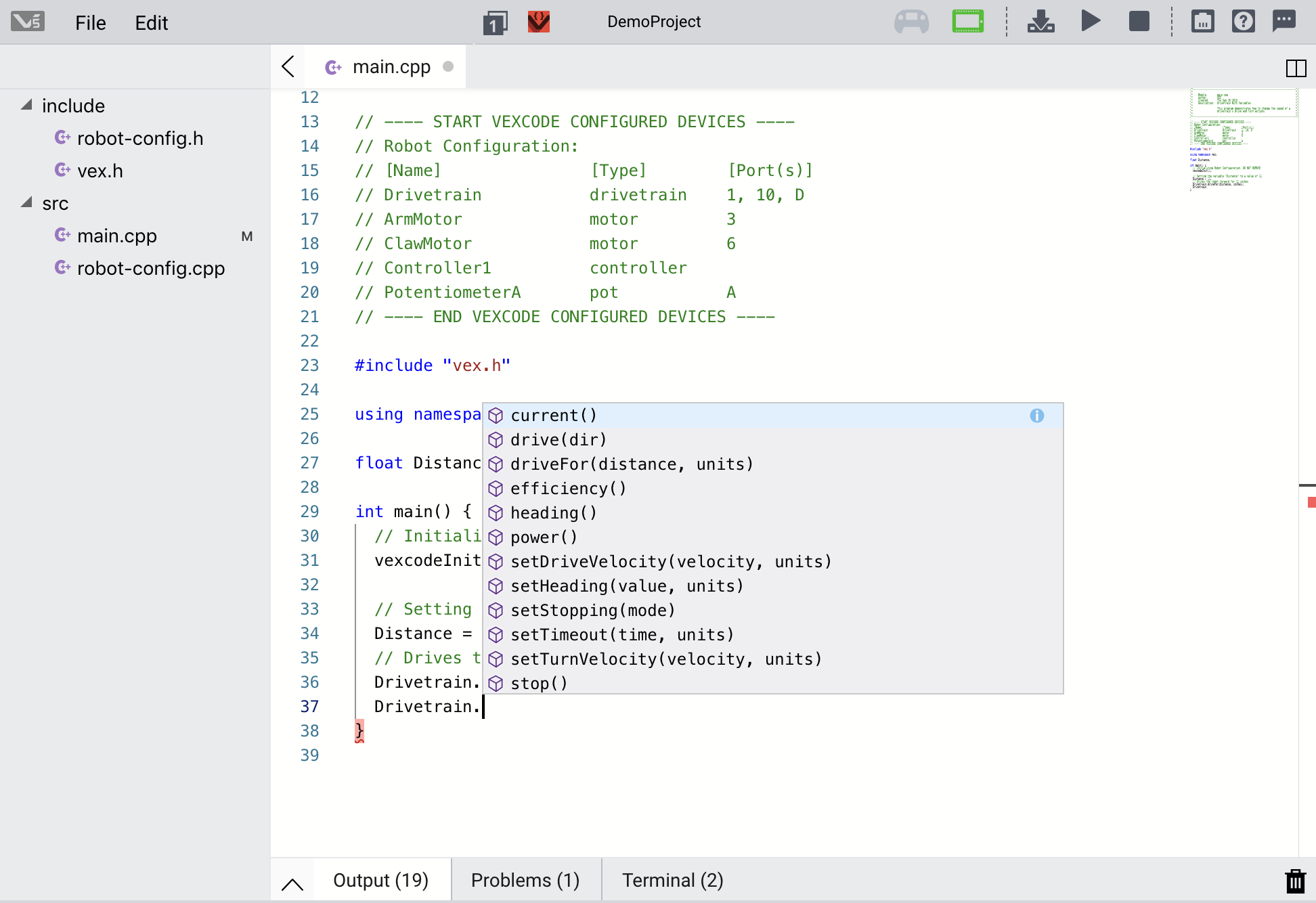
If you update to the new version of vexcode that was just released this week I would highly recommend using the drivetrain command for newbies. Basically you can initialize your drivetrain with 2 or 4 motors and then it gives you a bunch of options for simple yet accurate driving. You will need to measure your wheelbase and track width, and the setup shows you where to measure for those.
Unfortunately the autofill for drivetrain commands seems to be down with the latest update, so here is a picture with all of the available commands.
drivefor and turnfor are going to be your best friends in autonomous.
Lastly, the first thing I do in my classes is to make sure that the turns are going the correct amount. If your robot is over or under turning (I usually just make them practice with a 90 deg. turn):
Set your stopping mode to brake using the setStopping command
Fiddle with your track width and wheel base until you get get it to turn true. From there it should be pretty easy to get your robot where you want it to go.
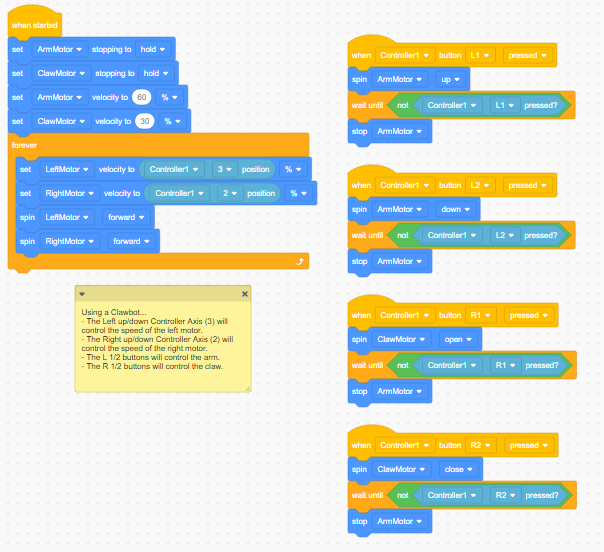
Okay, so I am not as familiar with V5 Blocks (I mainly use V5 Text), but, I looked at the code from the image you sent and everything looked right. However, you may have more luck reposting this issue in its own thread and tagging it as VEXcode V5 Blocks Tech support because more people who are more familiar with blocks may see it there. However, if you decide to use VEXcode V5 Text, I can help you debug your code.
This may seem nit-picky, but you are not going to download it to the Cortex. That is the old system. You want to download it to the V5 Brain. Trying to download VEXCode of any type to a Cortex will not work. Sorry to be snarky, but proper terminology often eliminates confusion.
I used the VEX Clawbot Competition Template in VEXcode V5 Text and programmed the driver control and a basic autonomous that makes the robot drive forward 4 inches and back up 4 inches. Let me know if you have any questions or need any help. V5TextClawbotAuto.zip (102.3 KB)