My students are doing the freeze tag activity and are currently doing the figure 8 testing of the Drive modes. I am kind of assuming that in any pair of students the two may prefer different drive modes with the controller.
When we get to the freeze tag portion of the activity, I plan to make the students pass off the controller at half way through the round. Is there a way to code one VEXcode project that allows the students to switch between drive modes just by using the controller? For example, if they press L1 the controls switch to Tank mode, but if they press L2 then it switches to Arade mode.
Absolutely. One method would be to have a variable like a boolean set to true or false depending on a button press (like L1 or L2 as you said), and then have an if else statement that runs one drive mode if the variable is true and another if it is false.
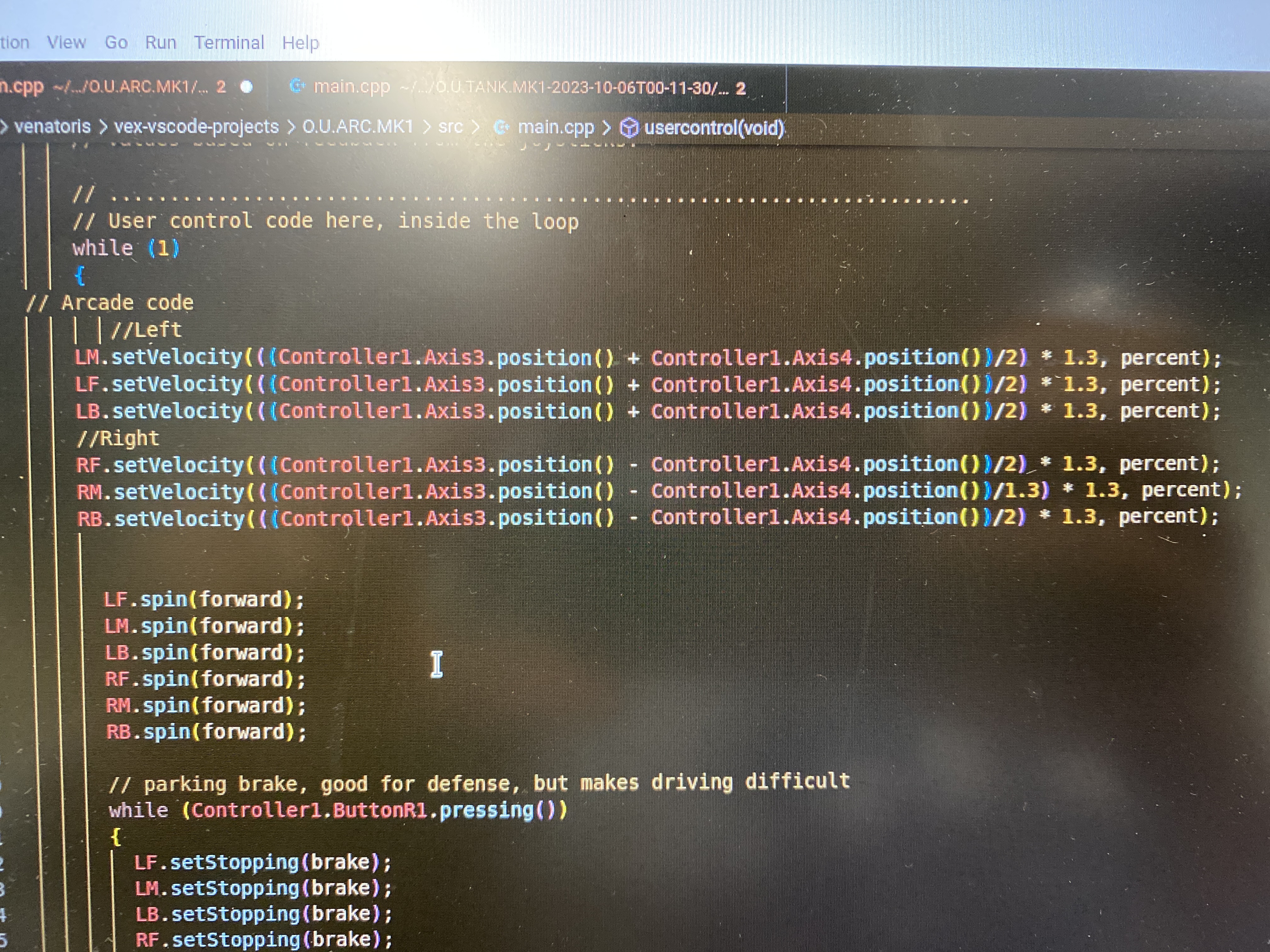
To accomplish this, you will need to have the drive motors controlled by the axis of the sticks on the controller rather than the preset “tank” or “arcade” drive modes. Look up “arcade drive code” or “tank drive code” to find code for it.
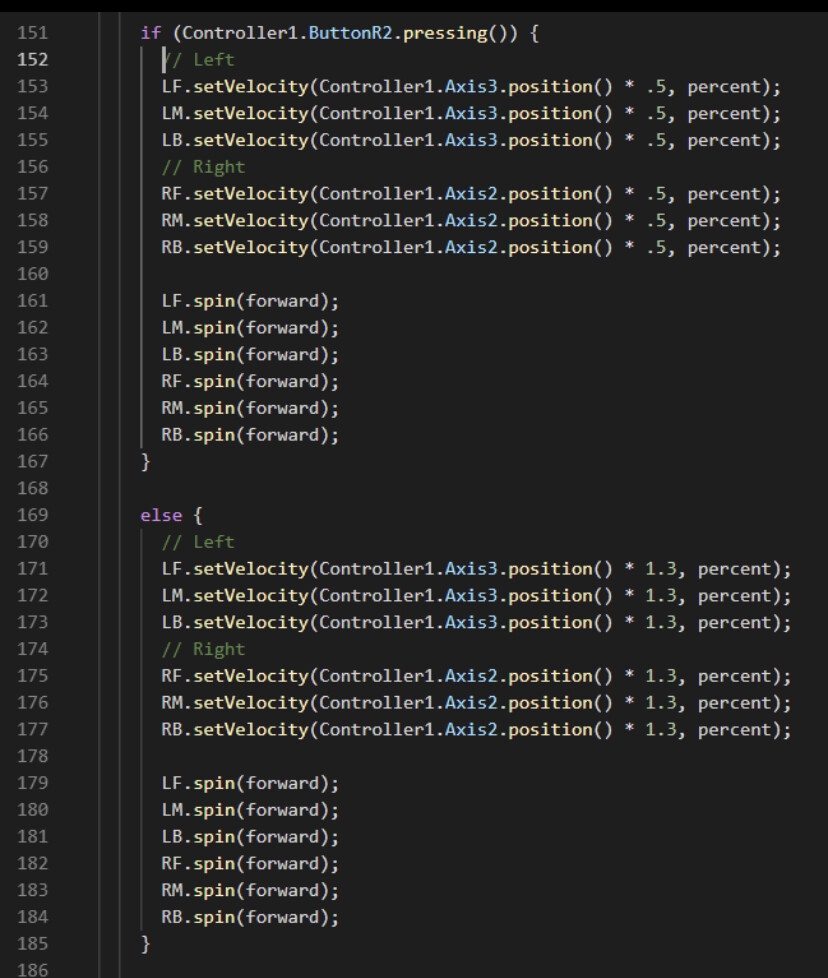
i did something kind of like this, for me it was changing the speed of the drivetrain for a tank drive, but moth of the code should work: tank drive code.png
you will have to change the code a bit and re-write it for arcade, but it should work (FYI, this was coded for a 6m drive train just ignore LM and RM)