High School Teacher - Using Cortex and V5 - No Robot Mesh Experience
Is there a way to save and share Robot Mesh Studio programs? In particular I want to be able to share programs with a mimic.
I would really like to find some programs with pre-assembled mimics - super basic ones with just a motor and a couple of gears - for my students to test.
We have never used Robot Mesh Studio before and do not have a lot of time for students to figure out how it works. I am really struggling to build mimics using my laptop with just the finger pad instead of a real mouse, so it would be awesome to get a couple pre-made mimics so I can start lesson planning.
I do not have an answer to this question, but since you are using cortex and V5, that would fall under the VEX edr category not the IQ one. You might be able to reach more people if you re-categorize this topic.
When you go onto Robotmesh Studio, there are 4 links at the top of the screen to the right of the Robotmesh Studio logo. The rightmost one says Public Projects. If you click on that, and then change the “Sort by” selector to “Type”, it will organize a large number of projects based on which kind of projects they are. Cortex Mimic projects are the 3rd category once you start scrolling if I recall correctly and V5 Mimic projects are the very last category when you scroll to the right. I know this is a bit chaotic since there are so many, but I guess that based on the names, you may be able to figure out which ones are useful and which aren’t. I think you could just find a few there which are well-made and you and your students can experiment with those. You will probably only be able to view them or run code on them, but I think you can make a copy of them into your own account. This will allow you to have editing access to your own copy of whichever Robotmesh Mimic you choose. I hope this helps.
Clicking on those links automatically creates a copy that the student can edit. (You’ll want them to create Robot Mesh Studio accounts first, if you want their work to be saved) Each demo bot has the drivetrain preconfigured and all the sensors that we support attached.
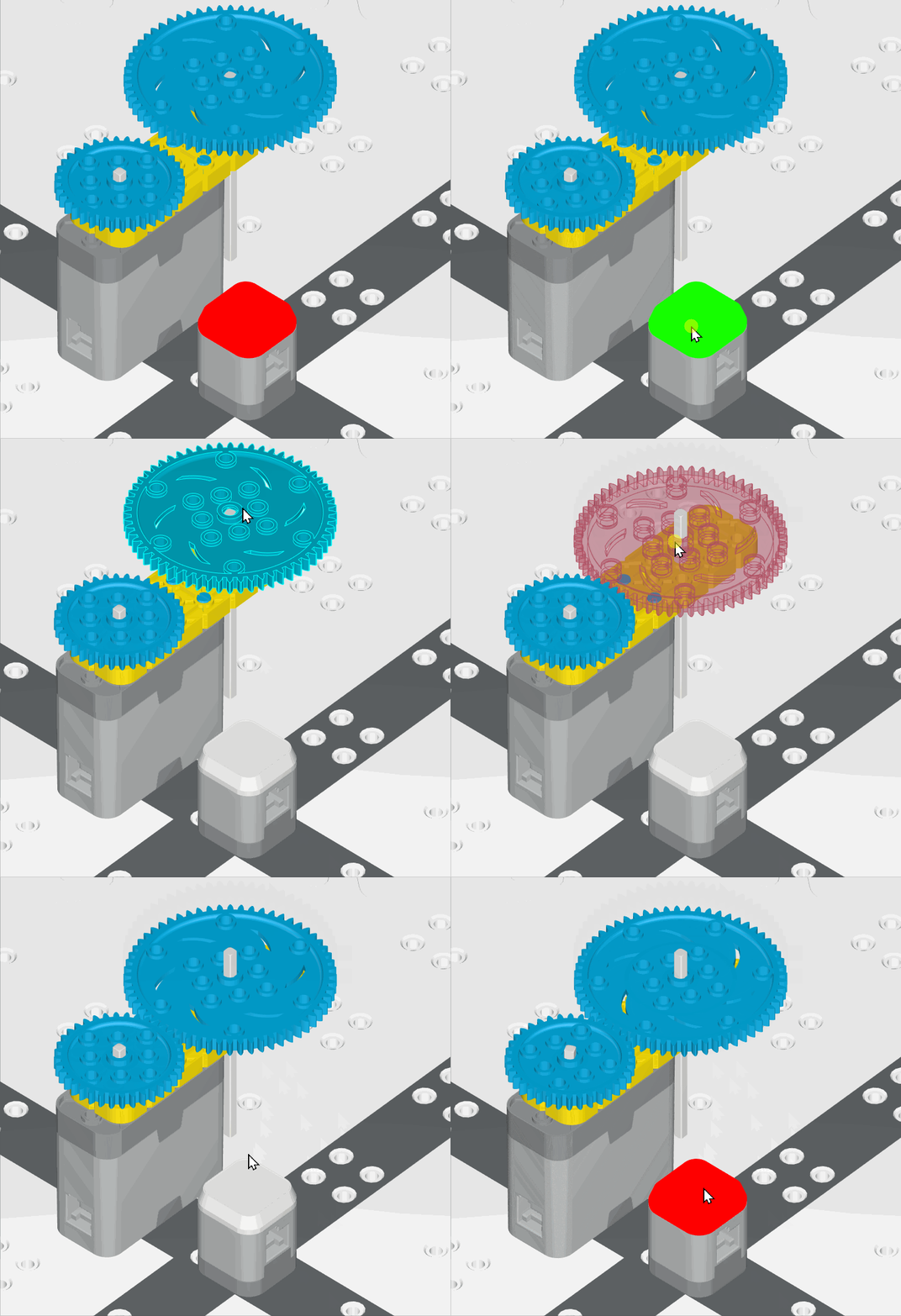
Also note that the VEX IQ TouchLED can be used as a “sensor”: click on it while the program is running, and pressing() will return True. This can be used to make more interactive programs, as seen in the gif below. I don’t think our documentation actually says you can click on TouchLEDs anywhere, so I wanted to note it here.
I am new to RobotMesh as well and was wondering if there is a way to import pre-built robot mimics into different mimic arenas? In another thread you mentioned that you were working on Mimic Robot templates that could be ready to program. Have you completed some of these? How do I access them?
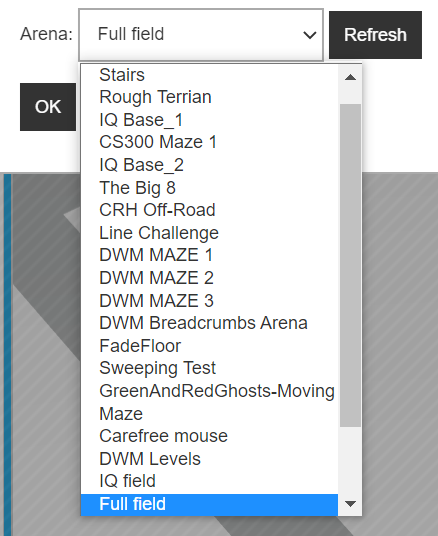
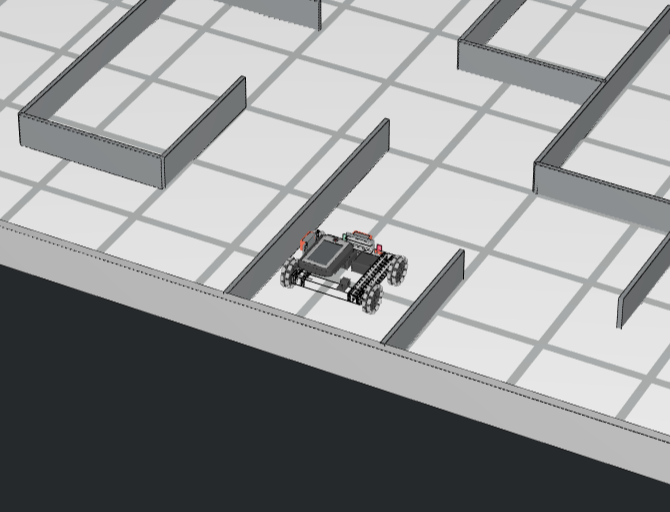
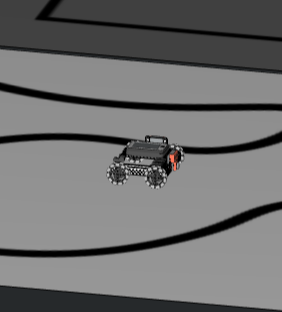
Yep. Click the create link as usual. This makes a copy of the project, using whichever arena it designated. Then, under Options, select an arena from the drop down list:
Since anyone can make an Arena project and set it to be public, not all of them will be useful, or… functional… but for the initial release we wanted to make it as general as possible. Only a handful of those Arenas are made by us, the rest are user-created.