My onshape used to be very fast and quick. Now, its lagging a lot, even when there is like one 2.75 inch omni and 2 c-channels, and moving around and dragging is very slaw and delayed (btw, this is a new document with only one assembly tab). Is this because there are more complex documents that ive already created in my account, or is there no relation to already created documents. Is there any advice or something to do because my laptop is a thinkpad intel v pro?
What windows is it??
You can try checking if your laptop is compatible with Onshape here. You should get a message determining if you are compatible, like this.
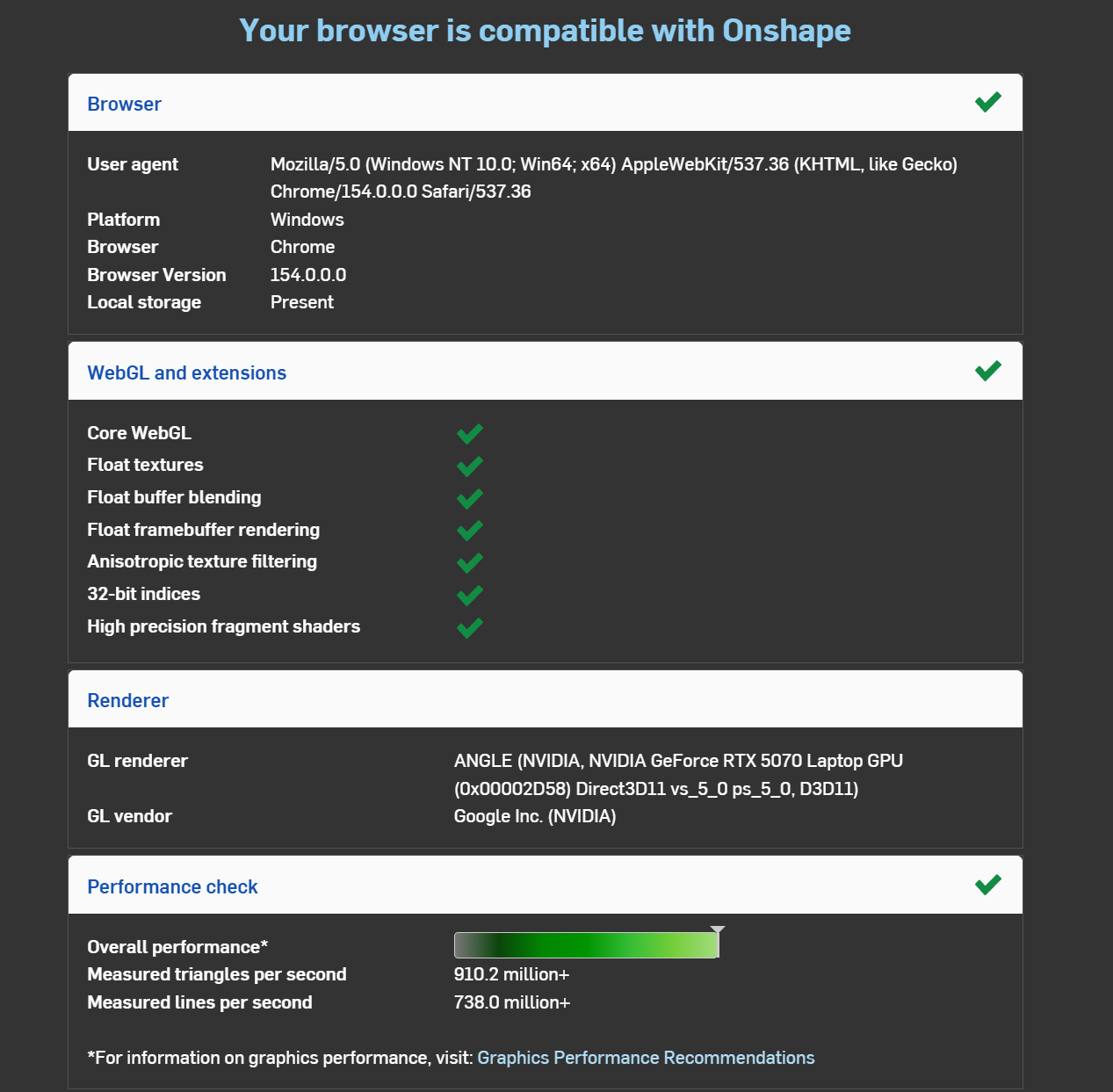
This should help determine if the problem is your laptop or the website itself.
Additionally, if your laptop has 2 separate GPUs, make sure the browser you are running Onshape on is assigned the discrete GPU. This was the problem I had last time, and changing the GPU running my browser from the integrated to the discrete one provided a major boost in performance. You can change this on the windows graphics setting. This Onshape article goes much more in-depth into this.
I hope one of these suggestions help, and good luck!
yo it stopped lagging as soon as i posted. I don’t really know what i did . Thank you for responding tho