The rotator motor on our bot keeps shutting off in the drive program. For it to work, it has to be used as the first control pressed when the program starts. But after you press another control, it stops working. How can I fix this? I have been through all the possible solutions that I could come up with, any other ideas?
Can you explain it a bit better?
Are you talking about when you run the drive program the motor has to code?
Yes, it’s a drive program and the motor has to code. We are trying create a inverted cactus, and we are using our claw to flip pins upside down so it’s called a rotator. The rotator only works if it is the first control pressed when the program starts. If any other controls are pressed before we use the rotator, the rotator shuts off. It also only works one time, if we want the claw to rotate again, we have to turn off the brain and restart the program. The rotator is on the control “E”, which might be part of the problem.
Can you also attach a screenshot of your code so it can be determined if the code is the issue or not?
Can I see your code?
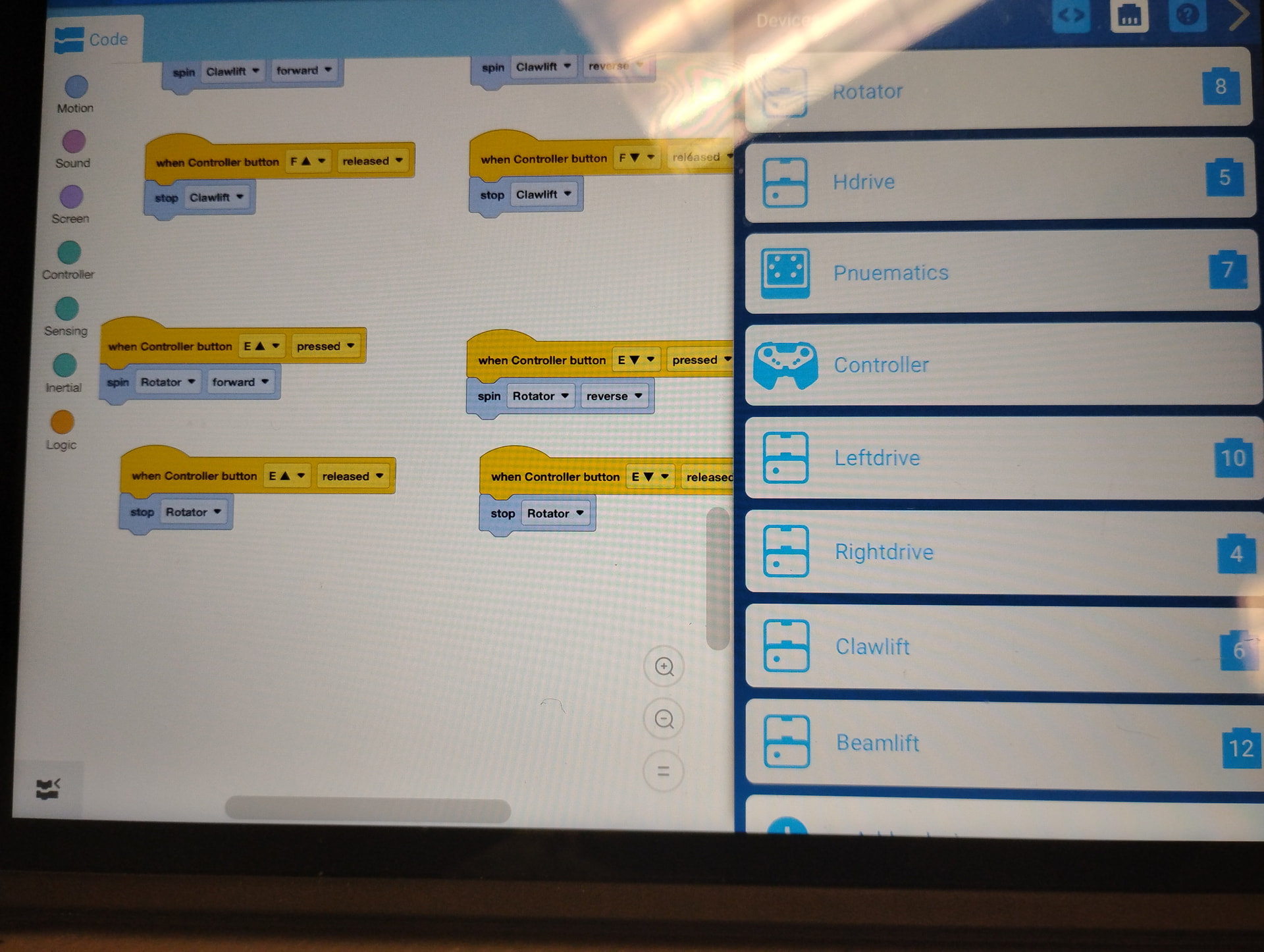
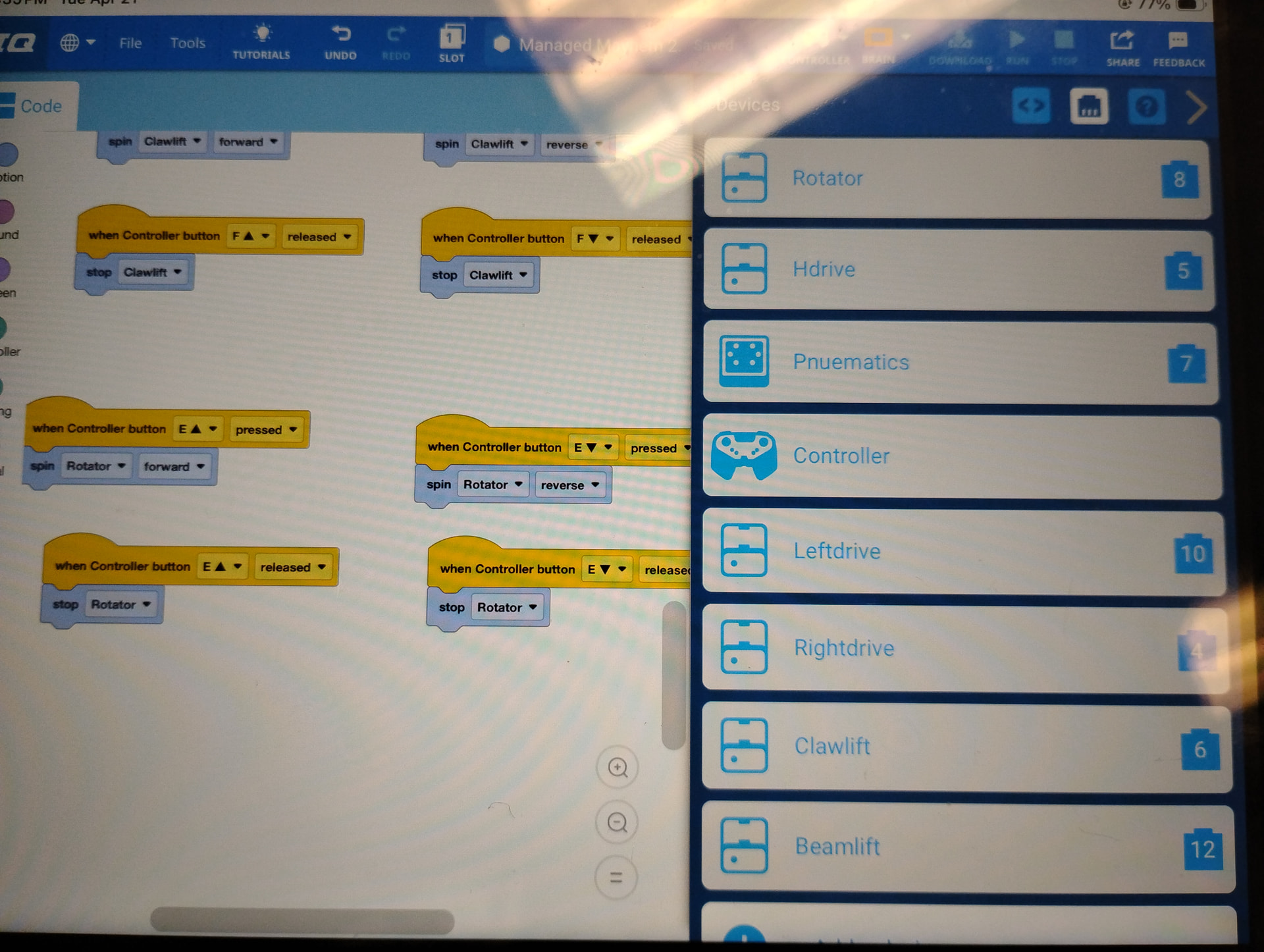
OK.
Before I diagnose the issue, do you have a “when started” block?
Yes, we do. It’s located at the top, and not seen because this picture is located at the bottom of the program.
What is attached to it?
What do you mean, the “when started button”, the rotator?..
No, are there any blocks under the “when started”.
Yes, there are blocks under the when started block. The blocks are all for the velocity of the other motors on the bot.