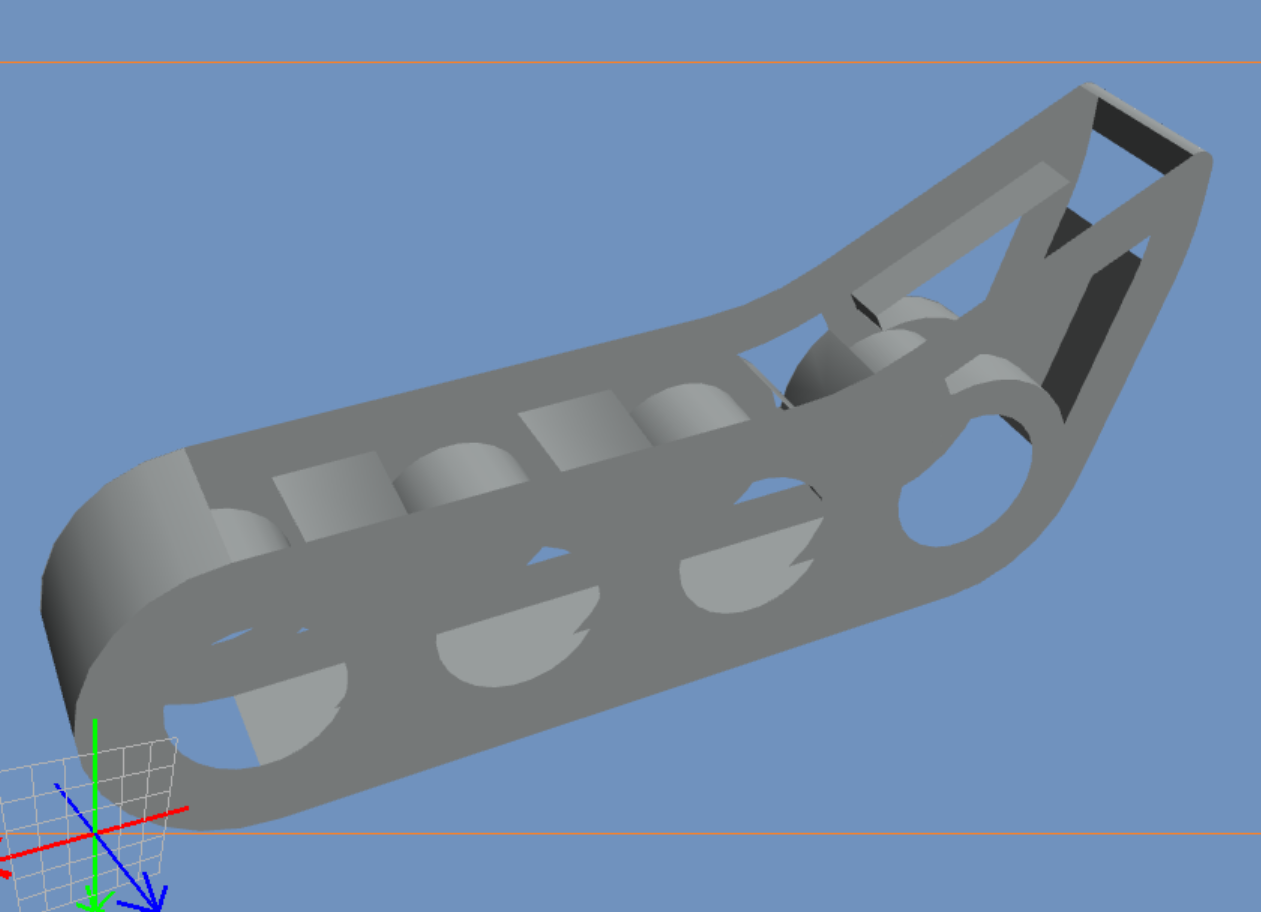
It would seem that SnapCAD will get no further updates which is a shame. The parts they release are .step files that you can convert to .dat files with a little effort, however these .dat files lack the crisp lines the other parts in SnapCAD have which is something I don’t like.
I decided to read the .dat files for the default parts of the most recent version of SnapCAD and was able to edit some of those files into parts that SnapCAD was missing. 2x11 beam, 3x3 plate, 5x3 wedge plate, and 90 degree standoff connector. I included a zip folder with these four parts.
Unzip and copy these parts to the parts folder of SnapCAD (default for me is C:\Program Files (x86)\VEX Robotics\SnapCAD\parts) Open SnapCAD afterwards, Click File>Scan Parts to automatically add these parts to the library and restart SnapCAD.
I hope you can all make use of these parts.
Cheers.
snapcad parts.zip (3.7 KB)