Was really excited to get this in the mail today and am training coaches from across our school district tomorrow (well, later this morning I guess) but I just can’t get the thing to work.
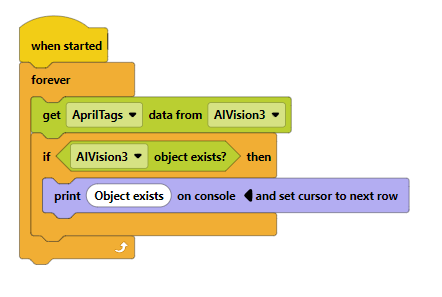
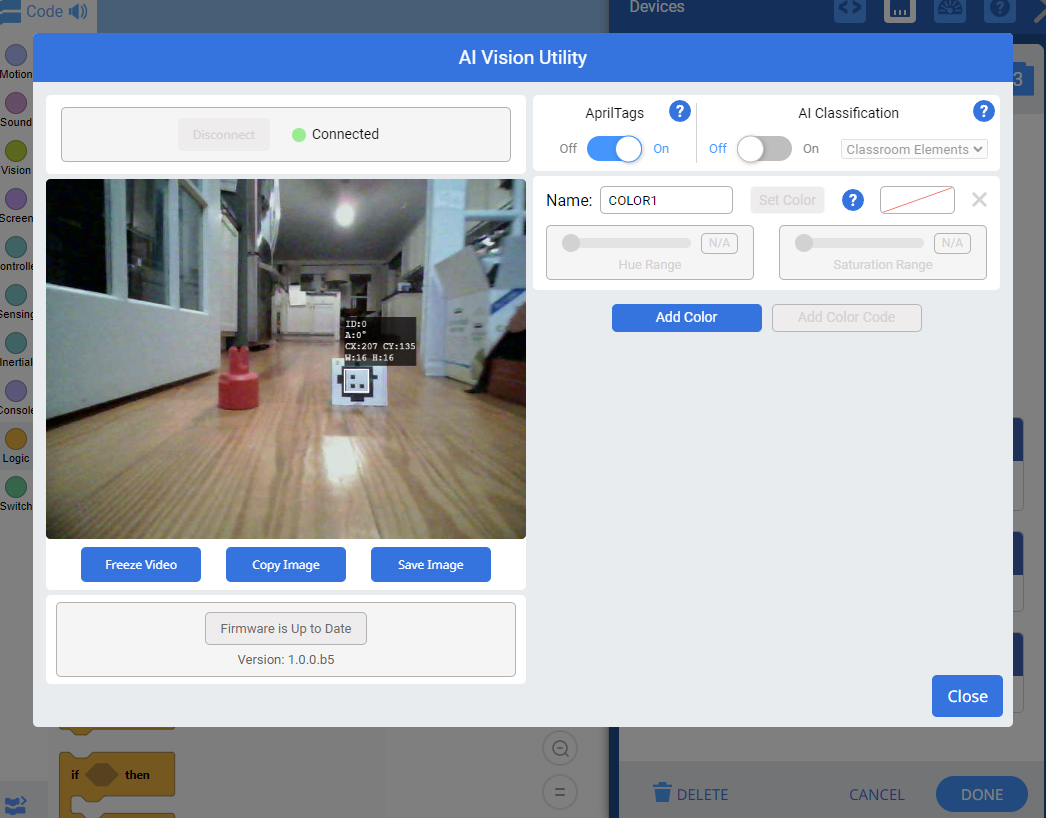
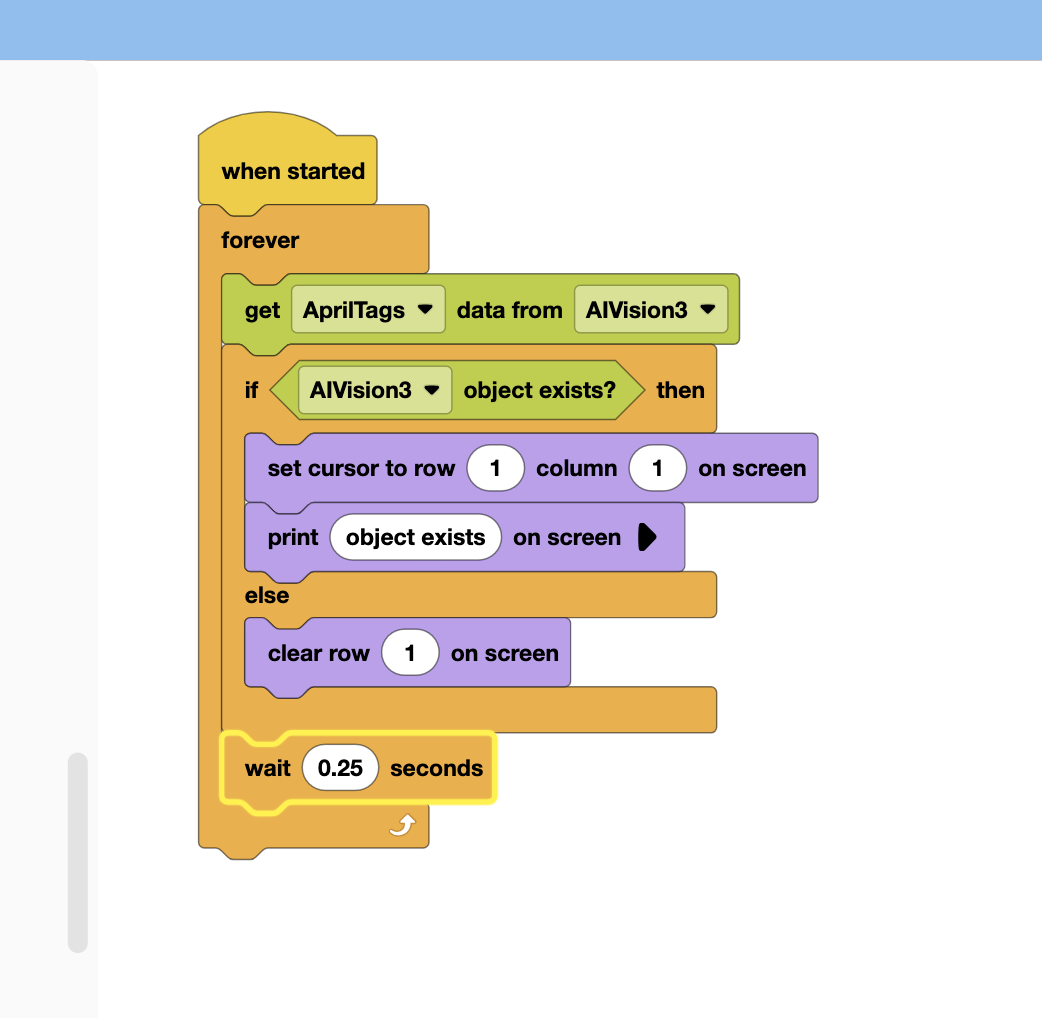
I have tried code just like is in the API, and while objects show up great in the configure dialog, I’m getting nothing when trying to run this in code.
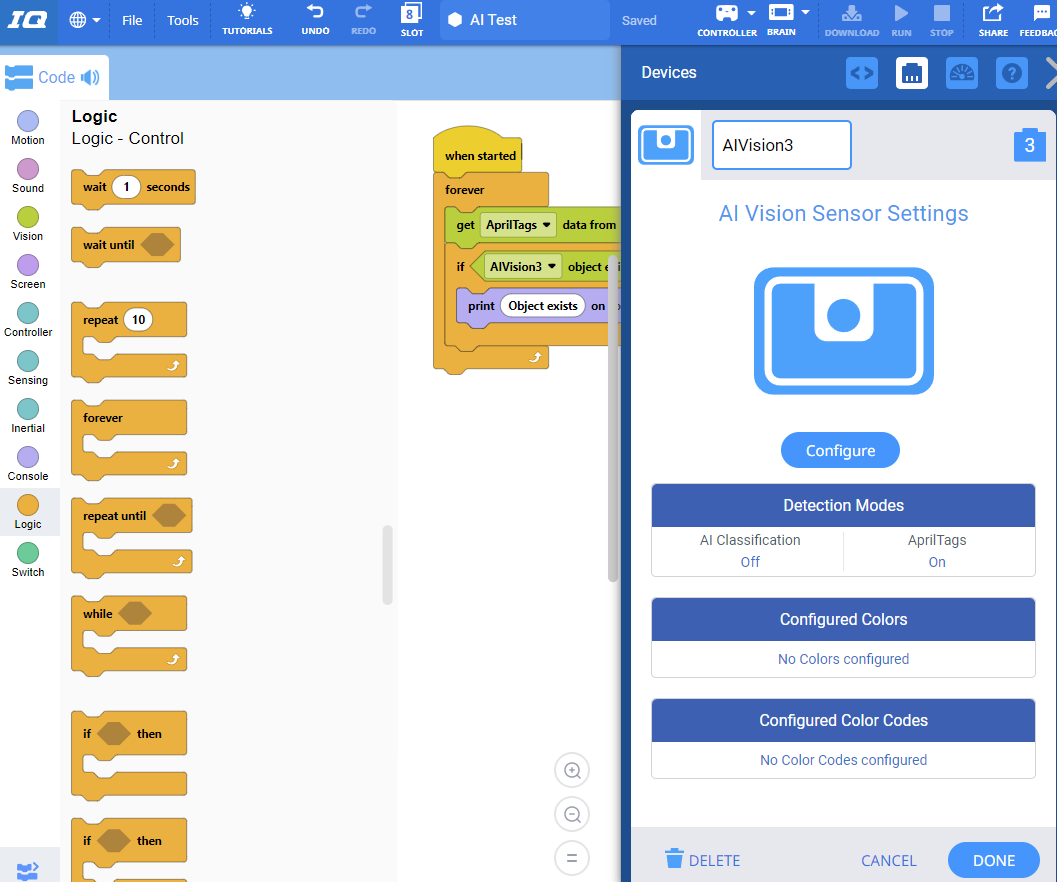
I’ve used AprilTags and colors (red like the pin, though disabled in the screenshot) and both show up instantly and consistently in the configuration screen. Then, when running the code, it doesn’t seem to detect them.
I’ve tried changing object counts, looking at variables like centerX, testing output to the console to make sure I enter the forever loop (I do), if-else statements to make sure I’m hitting the if-statement… so many things.
I’ve moved the bot around left/right/up/down/closer/farther and even tried to detect a color and randomly moved it all around a colorful room where surely it would pick something up.
Brain was 1.08- VEXcode IQ said it was up to date and that the brain was up to date at 1.08- firmware update forced through the web app fixed it and now our little clawbot follows our kid holding an AprilTag around the room. Thanks!