After downloading the official VEX extension in VS Code, I tried to create a C++ file for VEX V5. However, the created file was incomplete — there was no .v5code file in its directory, which prevented it from being opened properly again.
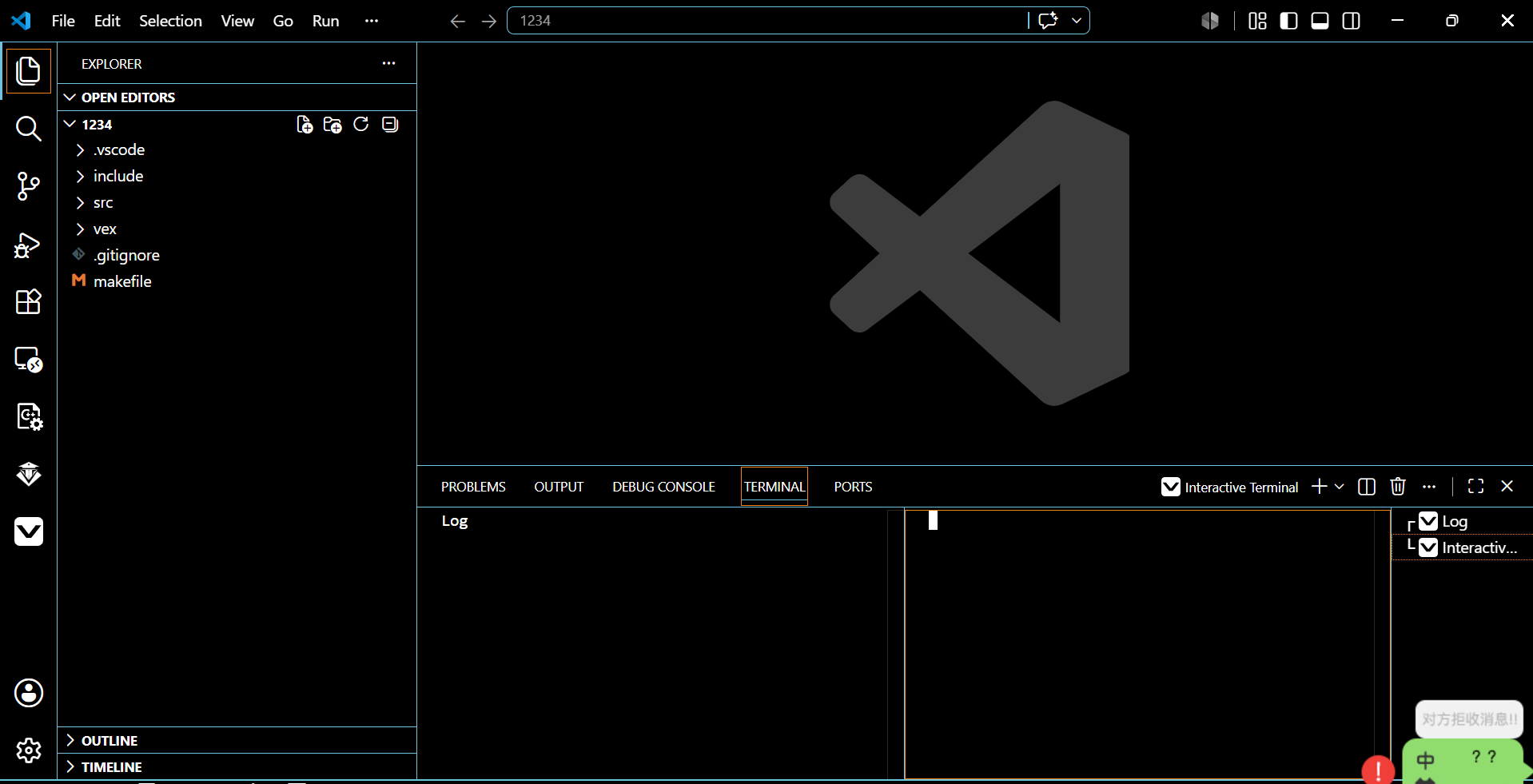
is there not a file called ‘main’ in the src folder?
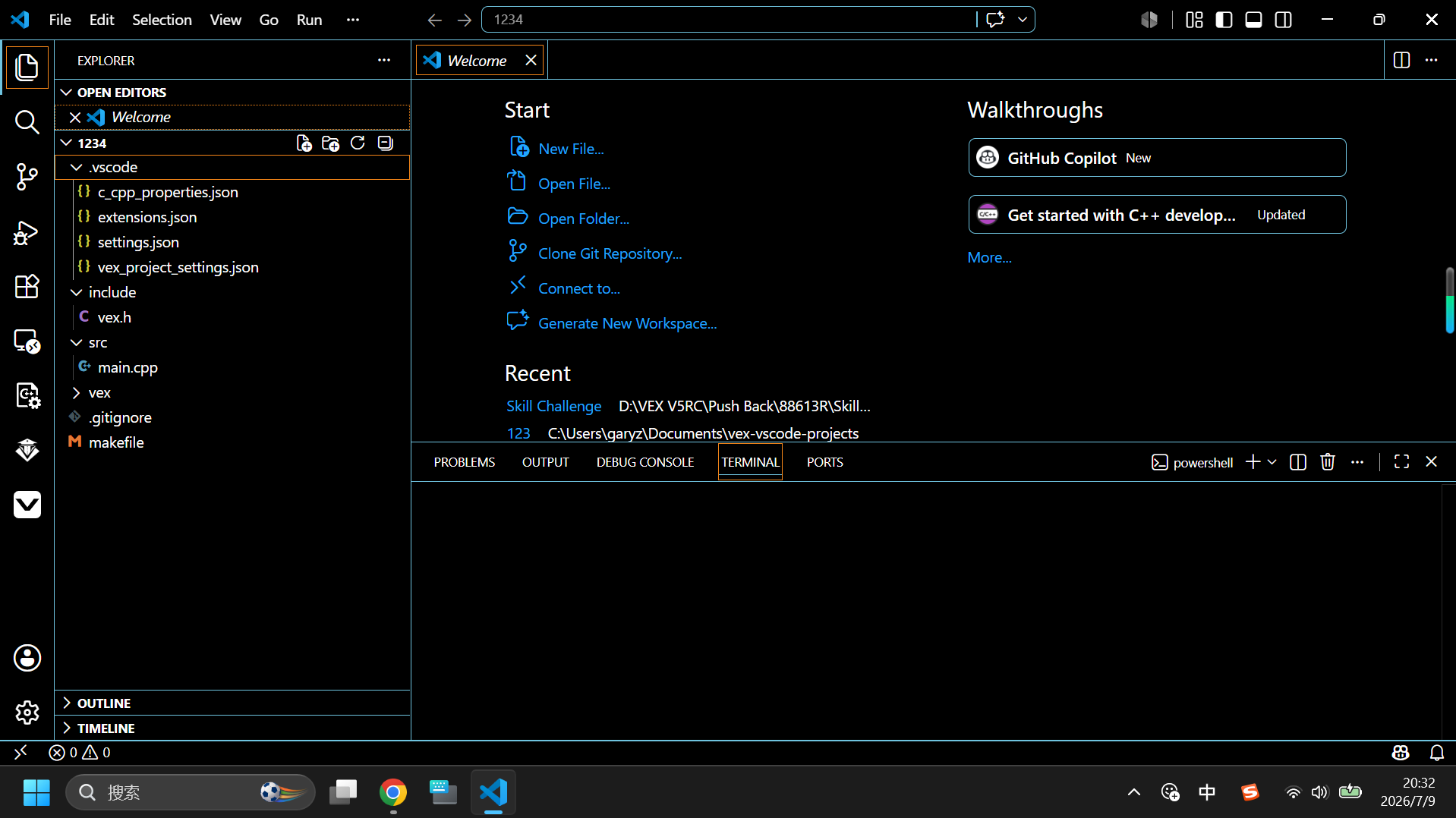
The VEX Extension does not generate the .v5code file for VEX Extension projects. This is a file that gets generated and used by vexcode only. The VEX Extension can use the file to import a vexcode project though.
It looks like your project was created correctly. But I’m not seeing any of the vex icons on the bottom statusbar. Have you marked this workspace as a trusted folder. Normally vscode will prompt you when the project gets created and the windows open. If it is not, vscode will prevent the extension from running normally if it is in restricted mode.
If thats not the case, submit a feedback issue and I can take a look at the logs.
then your code goes in main.cpp
Thanks for the guidance! Now I have solved my problem by using “Open Folder”. The extension hadn’t completed loading when I took the picture.