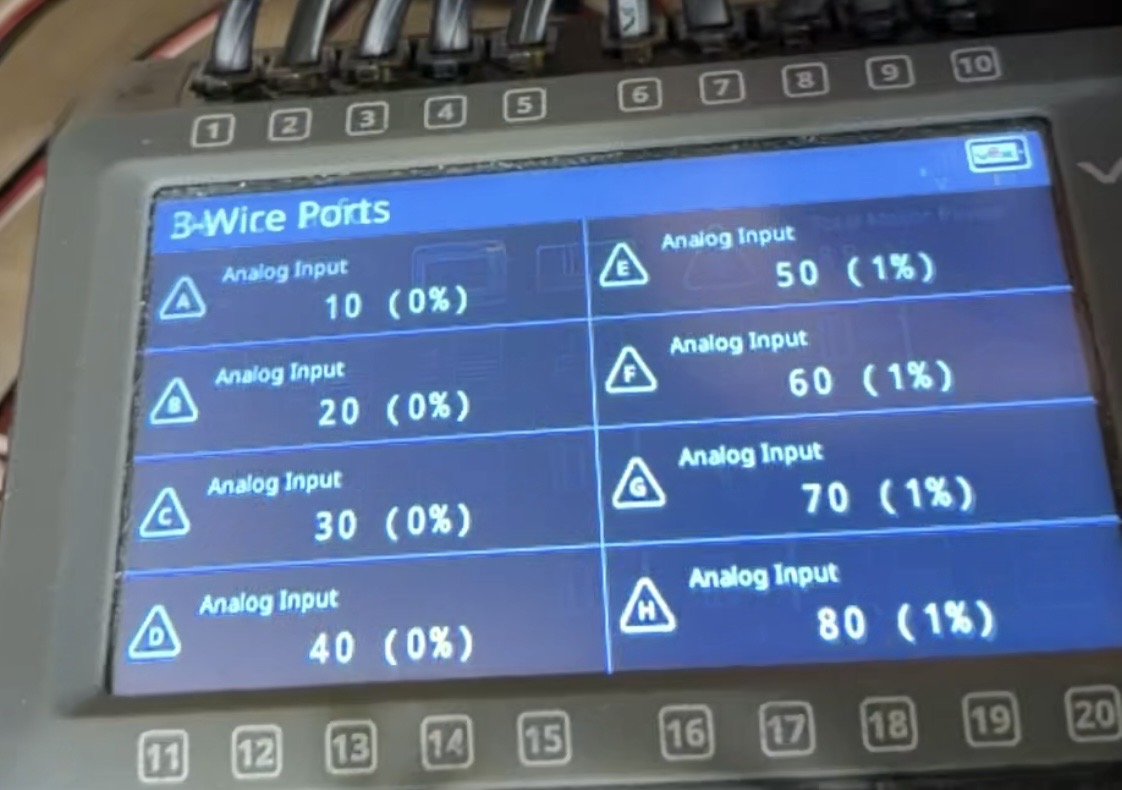
I was trying to code pneumatics for our bot but the pneumatics didn’t work. After making sure my ports were right and my code was correct, it still didn’t work.
I decided to check the three wire ports screen on the VEX Brain devices screen, but clicking the button just instantly (as in a handful of milliseconds) sends me out of the dialogue back to the devices menu. I can’t attach videos, but I was able to get a photo of the three wire port screen. We are sure the solenoids and three wire cables are working ones.
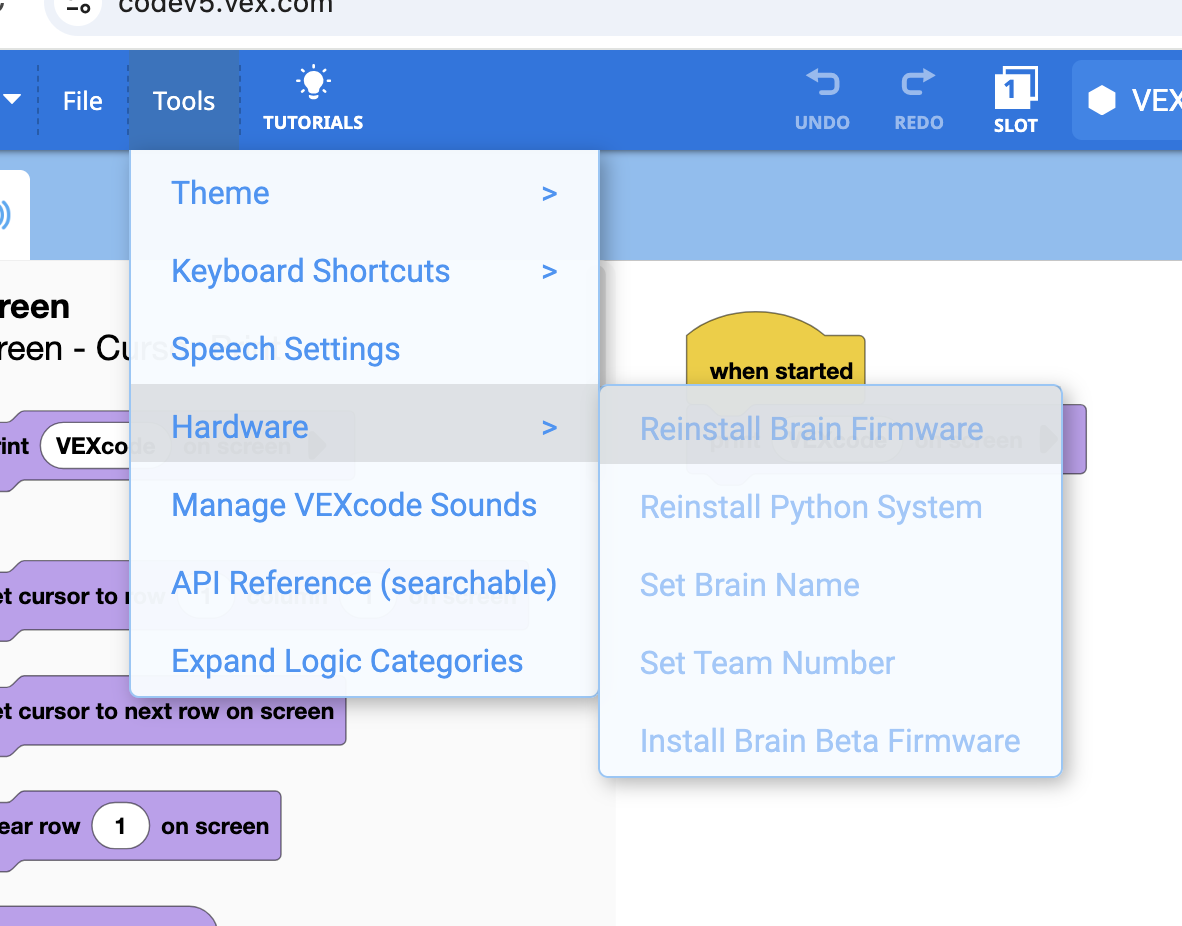
We have tried pretty much all the buttons on the brain, including the reset all settings button and the delete all user programs button, to no avail. Our next thought was that it might be firmware, but we have the latest version, 1.1.5, and neither the web VEXcode or the V5 Firmware Utility allow us to reinstall the latest.
In summary, our questions are: Aside from the OS, what could be causing the issue with the three wire ports? If the issue is with the OS, what options are there for reinstalling the latest version? Even possibly downgrading to upgrade again or just wiping the brain entirely.
Thanks in advance.