So now you tell me. I was very frustrated with my programming for about 3 days trying to figure what on earth th problem was, and now you tell me that it was the port configuration that was illegal?
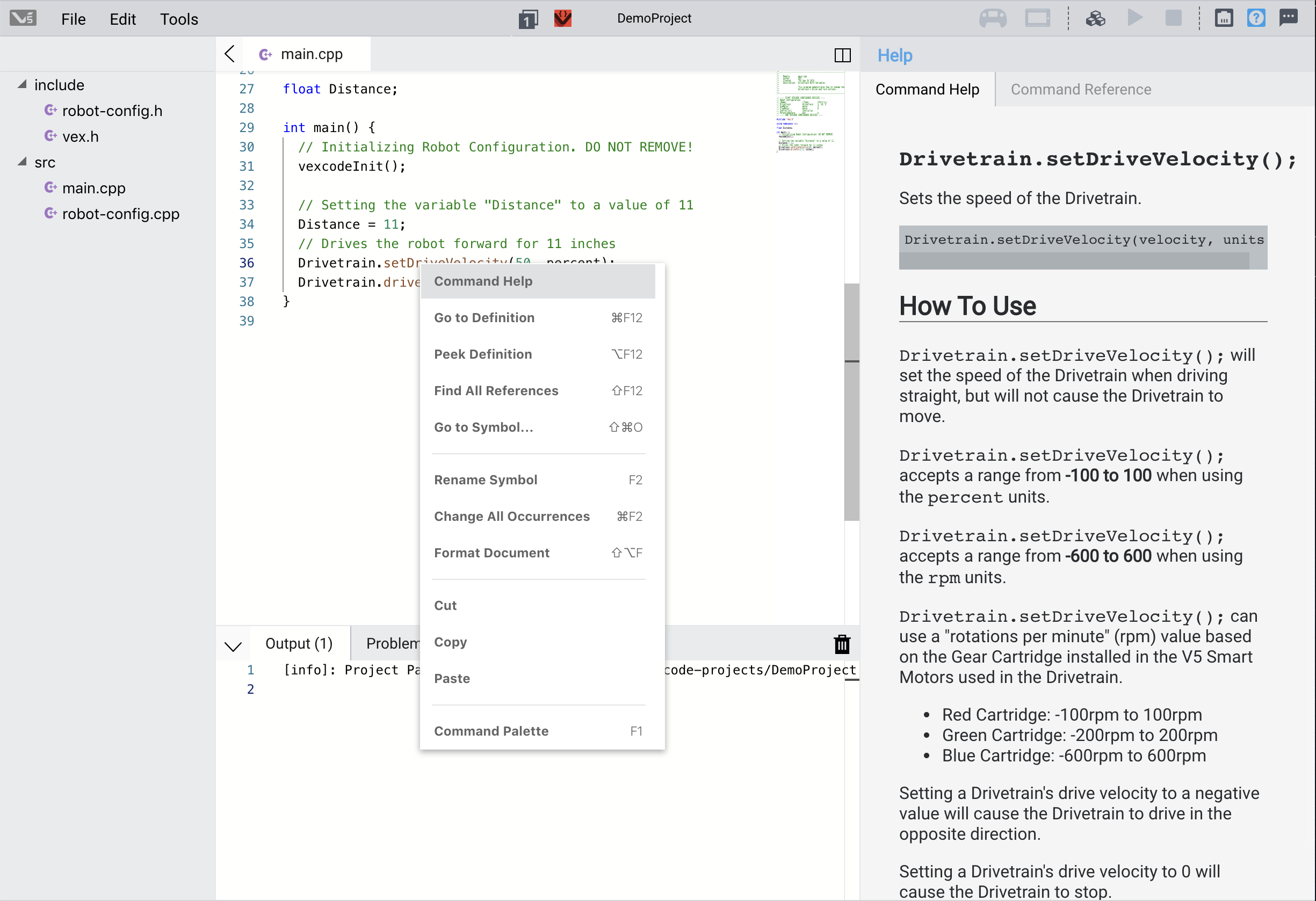
Command Help is available for the simplified SDK commands initially by right clicking on a command (method). We’ll be adding more to the built-in help as we continue to update over the coming months.
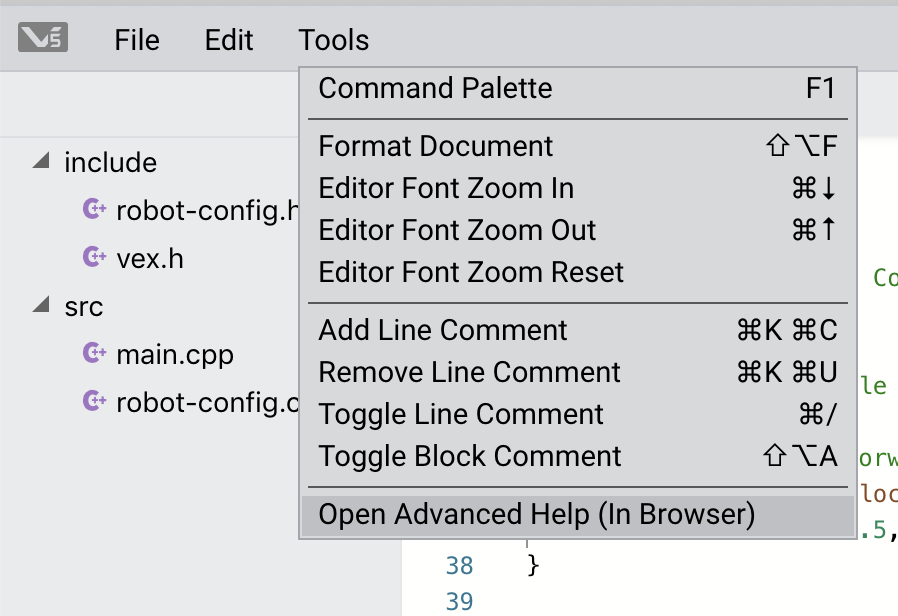
In addition, you can look at the full SDK documentation in the Advanced Help from the Tools menu:
5 Likes
Pretty sure all programming solutions either enforce this or have documentation explaining it. For example, PROS has
Encoders must be plugged into the ADI such that the top wire
is in an odd numbered port  (1, 3, 5, 7 or ‘A’, ‘C’, ‘E’, or ‘G’), and then
the bottom wire must be in the next highest port number.
6 Likes
Are we required to use VEXCode 1.0? I have been using 0.9 just fine, but now I am unable to download code from that version. I really don’t want to be bothered using the graphical robot configuration or uncommenting 500+ lines of code per project, and would like to continue using the previous version of VEXCode
2 Likes
Not Upgrading Projects
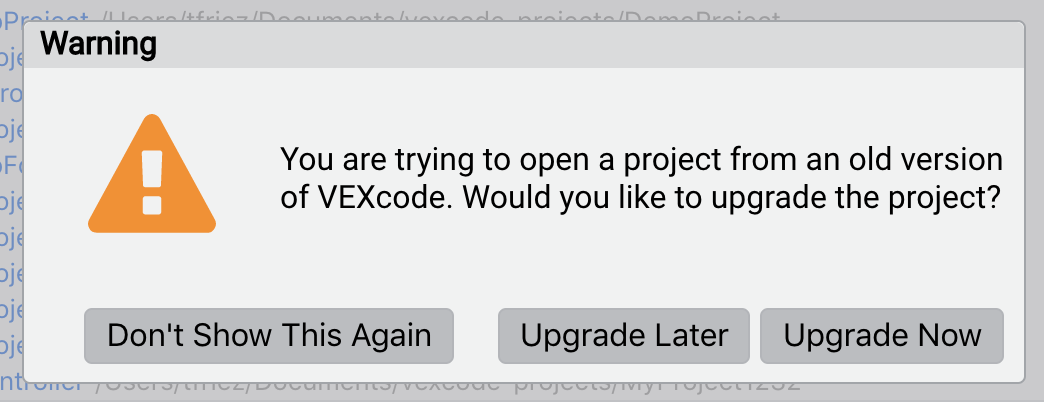
You can choose not to upgrade your 0.9 projects to keep the “expert autocomplete” active and not use the built-in Robot Configuration tool. Choose “Don’t Show This Again” to keep the “0.9” style projects.
Declaring Devices
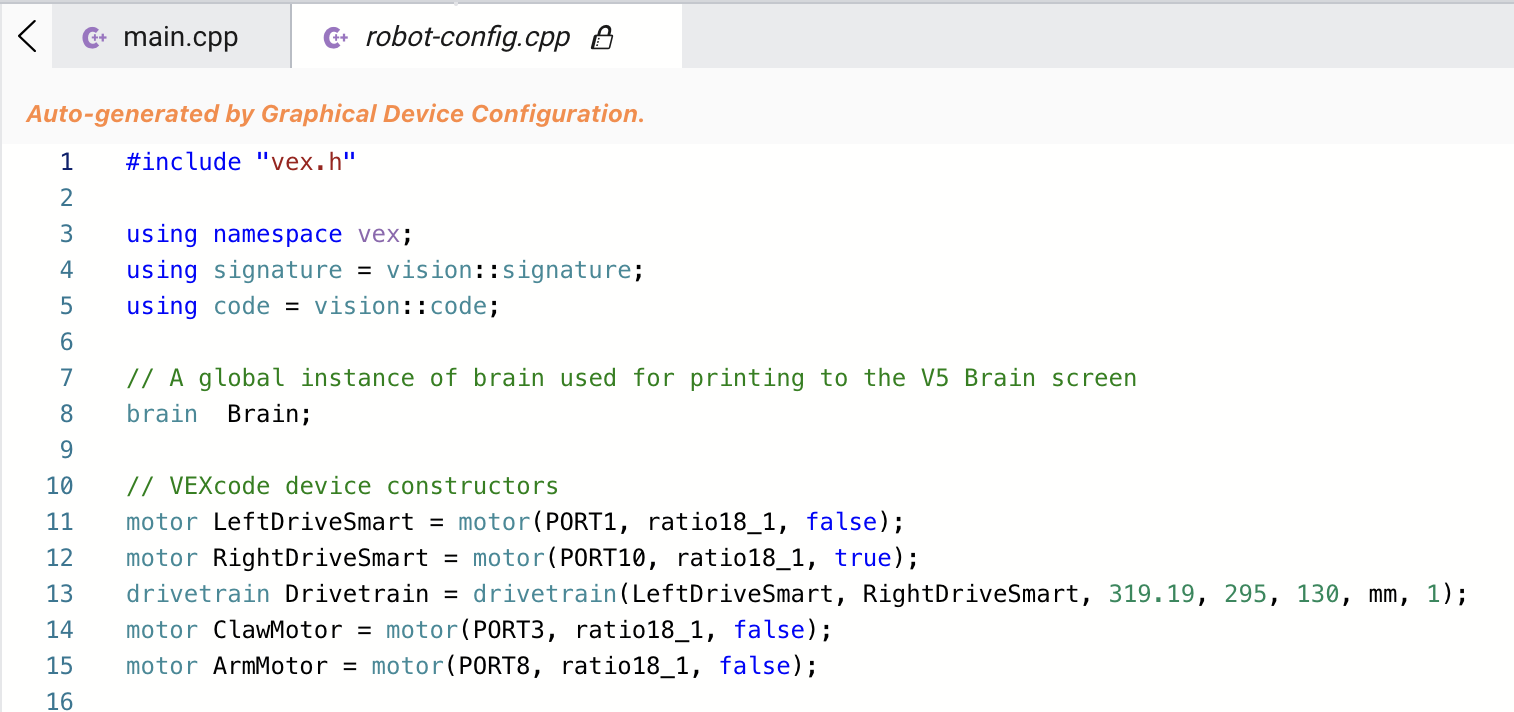
VEXcode V5 Text 1.0 does not require you to use the Robot Configuration utility - you can declare your devices via code just like you’ve done in the past. The Robot Configuration utility simply generates the device instances for you.
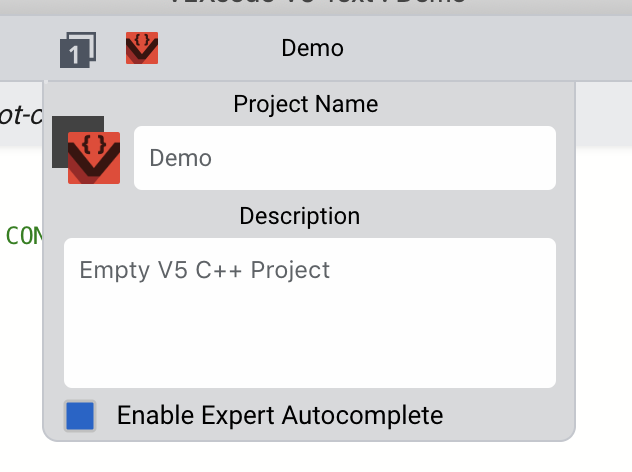
Enable Expert Autocomplete
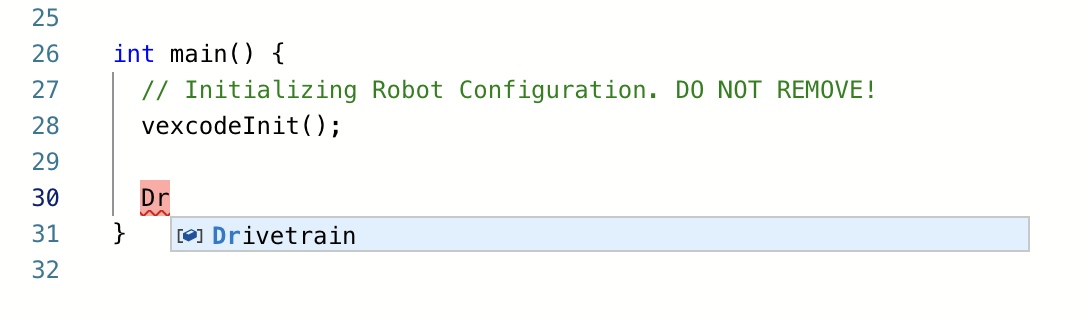
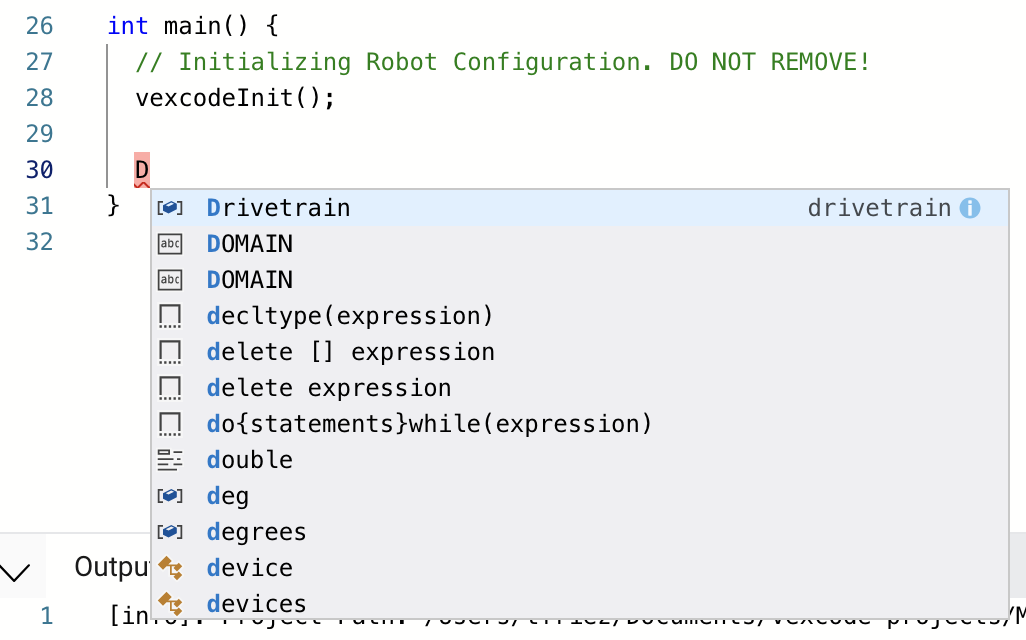
VEXcode V5 Text 1.0 does not require you to use the simplified autocomplete - you can enable “Expert Autocomplete” via the project setting.
Simple Autocomplete Example:
Enable Expert Autocomplete:
Expert Autocomplete Example:
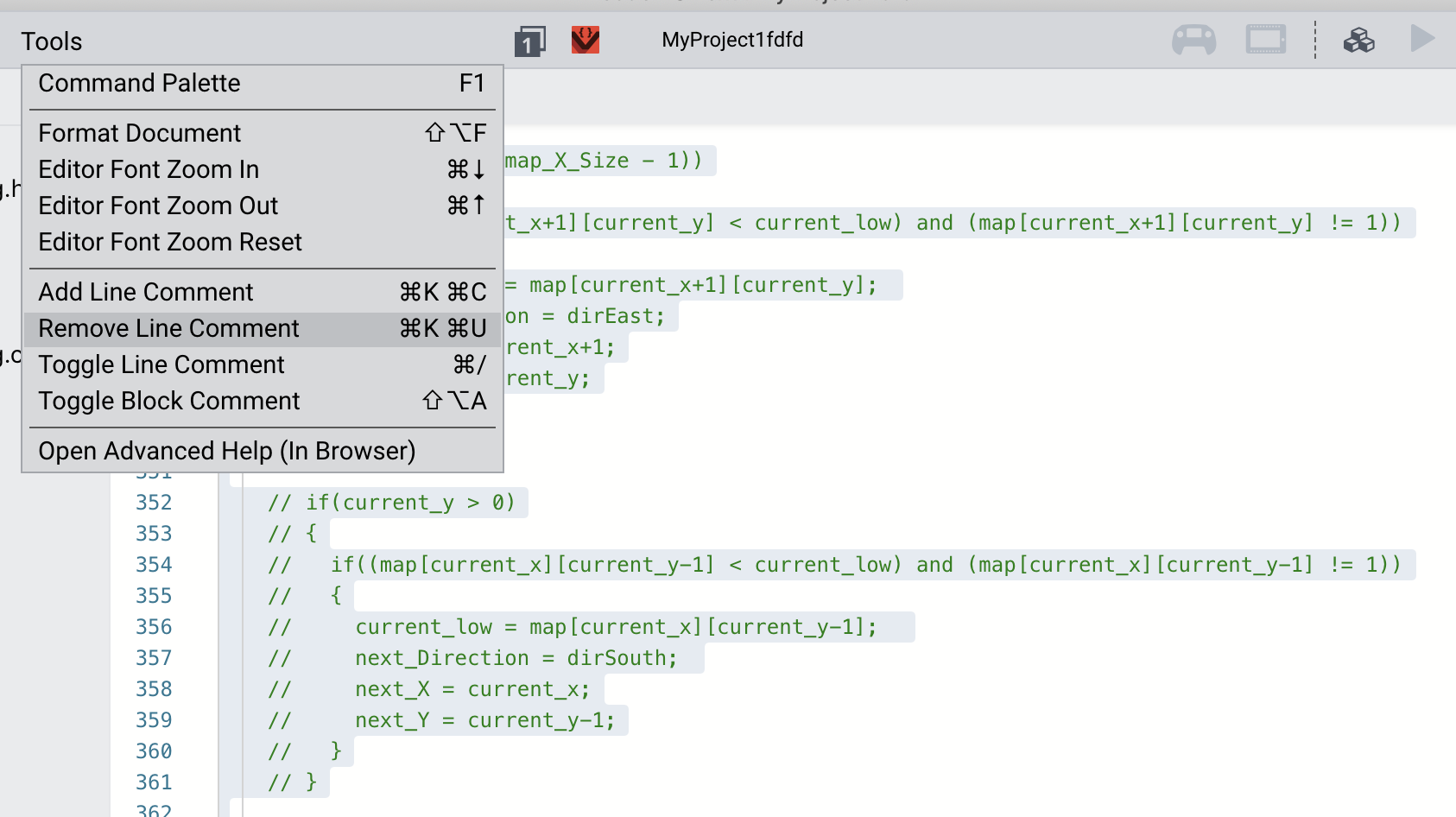
Uncommenting Lines
If you have upgraded your project to 1.0 and you want to “uncomment” a large block of code, highlight the commented section of code and select “Remove Line Comment”.
5 Likes
There are some great improvements with this update… but
doesn’t ring true, as the robot-config files are read only. You would need to make an additional include and then glare angrily at the empty files that are sitting in your list.
A disable auto-config button in the device setup interface would be a nice add for the next pass.
1 Like
I don’t disagree, however
you nearly always need an instance of vex::brain. That’s the only thing that’s always defined in robot-config.cpp, then just avoid using the Robot Config panel, define motors and other devices in main.cpp or other files as needed, just ignore the auto generated config files exist. They can be deleted, but would be created again if you add a device in robot config.
If you have a project created in 0.9, don’t upgrade and robot config will be completely disabled.
2 Likes
finally getting the update installed
Why do the motors not translate over? It is inconvenient because I need to reconfigure all our motors once I can get my hands on our robot.
1 Like
yeah pretty much all my code is depressed now that I had it put in the new studio
can you explain more, existing projects should run without modification if you didn’t update, if you did, then just uncomment all your code from main.cpp except the instance of brain.
1 Like
It messed up all the ports on our robot so I need to wait to fix my code till tomorrow when I get my hands on the robot

Nothing in your screenshot looks abnormal.
Also, you should make a new topic in Website/Forum Support for this; it does not belong in this topic.
2 Likes
HELP???
I installed version 1.0 yesterday. After converting the program from 0.9 to 1.0 the competition switch is not working. We can no longer use it to run our autonomous.
If someone could please help that would be great.
This topic was automatically closed 365 days after the last reply. New replies are no longer allowed.