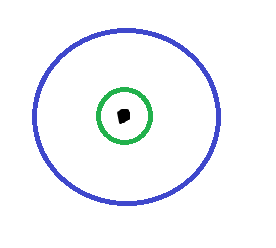
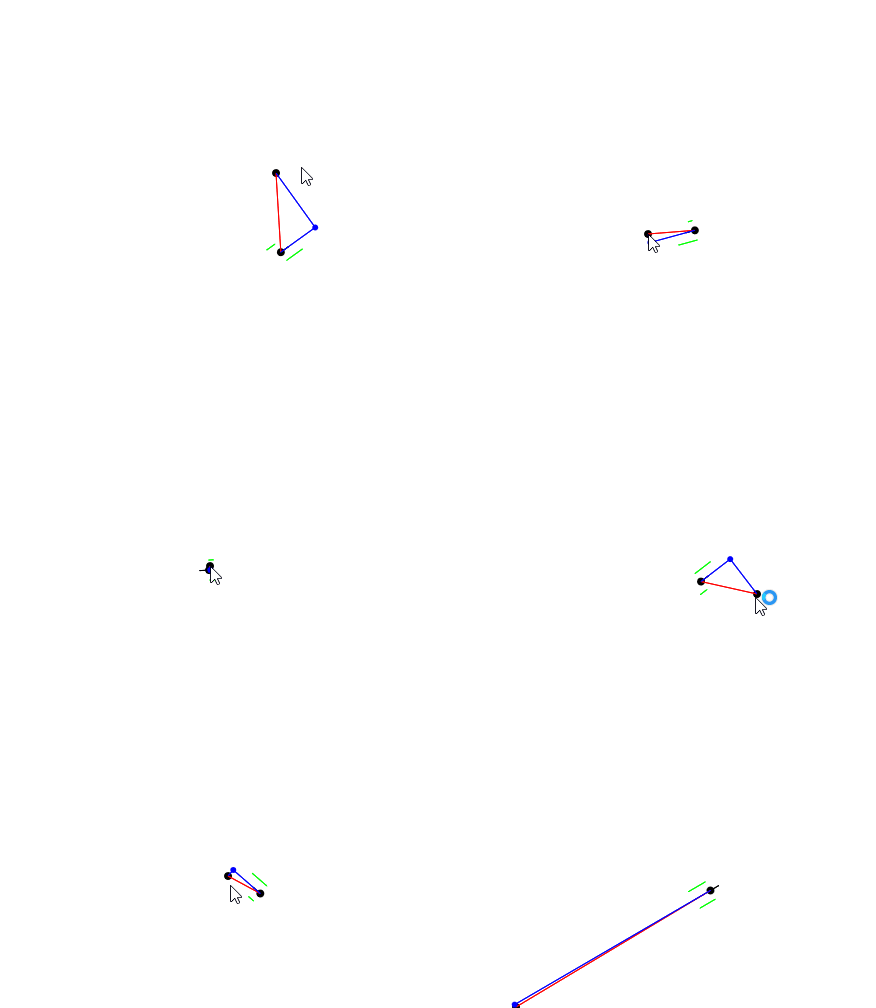
I’m not quite sure what you mean by that, but if it ends up working, let me know! Is the idea that if the distance to point becomes smaller, then velocity should be positive, but if the distance becomes greater, then the robot should back up? That’s a very interesting idea, and I have no idea if it would work. I think the problem is that you can’t do PID on it since you don’t have an error, and therefore you can’t do proportional control and slow down before you reach the target.
The best way to convert error to motor velocities is to use PID. You take the distance to the target, apply PID on that, take the angle to the target, apply PID on that, and then combine the two. Further down I explain how I combine the two PIDs.
I’ve seen a few people avoid the spasms when doing PID, using a few methods.
First of all, let’s recognize the limitations of a skid-steer chassis. If for various reasons the robot inevitably slightly misses the target point, you have two options. Either you can back up and try to better align yourself to the point, or you can cut your losses and realize that you can’t move sideways. The question then becomes when do you stop trying to correct angle, and how do you settle.
Given these limitations, one way of settling is to exit the movement when your error is sufficiently small, and hope that you won’t run into a situation where the error is too big but the robot can’t move sideways. I believe that is what this does, which simply exits a certain distance away.
However, a way that I have found works well is to give up on angle correction after a certain distance, but continue with linear PID. However, since we use pythagoras to calculate the distance to the target, the error will always be in the positive, preventing the PID from settling. My solution is to provide an artificial polarity to the distance error.
Here is how I provide a polarity to the distance error:
- Calculate distance to point
- Calculate angle to point
- Wrap angle to be ±180 degrees
- If absolute value of angle is > 90 degrees, then driving backwards is needed. The distance to point is negated.
This way, if you are in front of the point, it will know to drive backwards. All you need to do is disable the angle correction at a certain radius of the point, and hopefully the distance PID will properly settle. If it does not, then you need to exit the motion when you get to a certain distance.
If you want to allow the robot to drive backwards (currently it just drives backwards when the angle pid is disabled), you can then rotate the angle error so that it is in the range of ±90 degrees.
Another solution is to heavily bias the angle PID, so that the robot faces the target point as quickly as possible when moving. To do this, I’ve made a custom drive function that reduces forward velocity in favor of angle velocity:
void driveVector(double forwardSpeed, double yaw) {
  // combine the forward speed and rotation together
  double leftOutput = forwardSpeed + yaw;
  double rightOutput = forwardSpeed - yaw;
  // get the maximum absolute velocity
  double maxInputMag = std::max(std::abs(leftOutput), std::abs(rightOutput));
  // if maximum is over 100%, scale down all velocities
  if (maxInputMag > 1.0) {
    leftOutput /= maxInputMag;
    rightOutput /= maxInputMag;
  }
  // set motors
}
This way, if the yaw is made to be beyond the constraints of ±1.0, then it will reduce the forward velocity to encourage the robot to rotate more.
Here is one of my simple PID drive algorithms:
// calculate errors
angleErr = angleToPoint(targetPoint); // automatically wraps +-180
distanceErr = distanceToPoint(targetPoint);

// if angle to point is behind the robot, drive backwards
if (angleErr.abs() > 90_deg) distanceErr = -distanceErr;

// forget about angle inside range
if (distanceToTarget.abs() < settleRadius) {
  angleErr = 0_deg;
} else {
  // rotate angle to be +-90, so that the robot can drive backward
  angleErr = rollAngle90(angleErr);
}

// calculate PID velocities
double angleVel = anglePid->step(angleErr.convert(degree));
double distanceVel = distancePid->step(distanceErr.convert(millimeter));

// send velocities to drive function
// increase turnScale to bias turning
driveVector(distanceVel, angleVel * turnScale);
My custom “closest point on current heading” algorithm I used was very similar to that, except it allowed me to have the distance error calculated to be 0 if no movement was possible. @Electrobotz 's suggestion of settling until angle is 90 is a very good idea, you could even use the angle error from 90 as the input to your PID  .
.
I hope this makes sense, and that you have an idea on how to start to implement your target error → motor velocity PID algorithm.
Let me know if you have any more questions, both about this post and if you are still struggling with your algorithms.