Hello Everyone,
I have recently trying to learn to use autodesk inventor, but I can’t figure out how to constrain a standoff to a bearing flat. I am using the library from here, and trying to constrain a standoff to a shaft collar without a set screw:
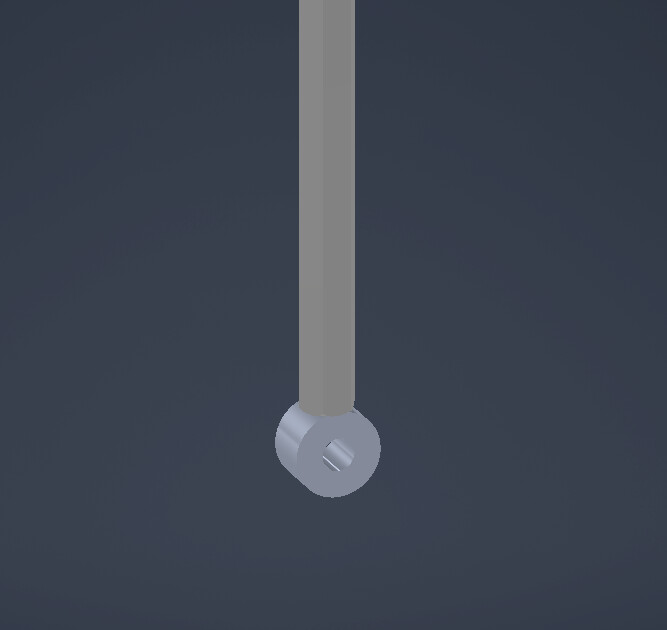
This was made by simply dragging the parts together, but how can I constrain them? I can’t use mate or insert, because there is not place to select on the collar, and tangent doesn’t fully constrain it.
Thanks.