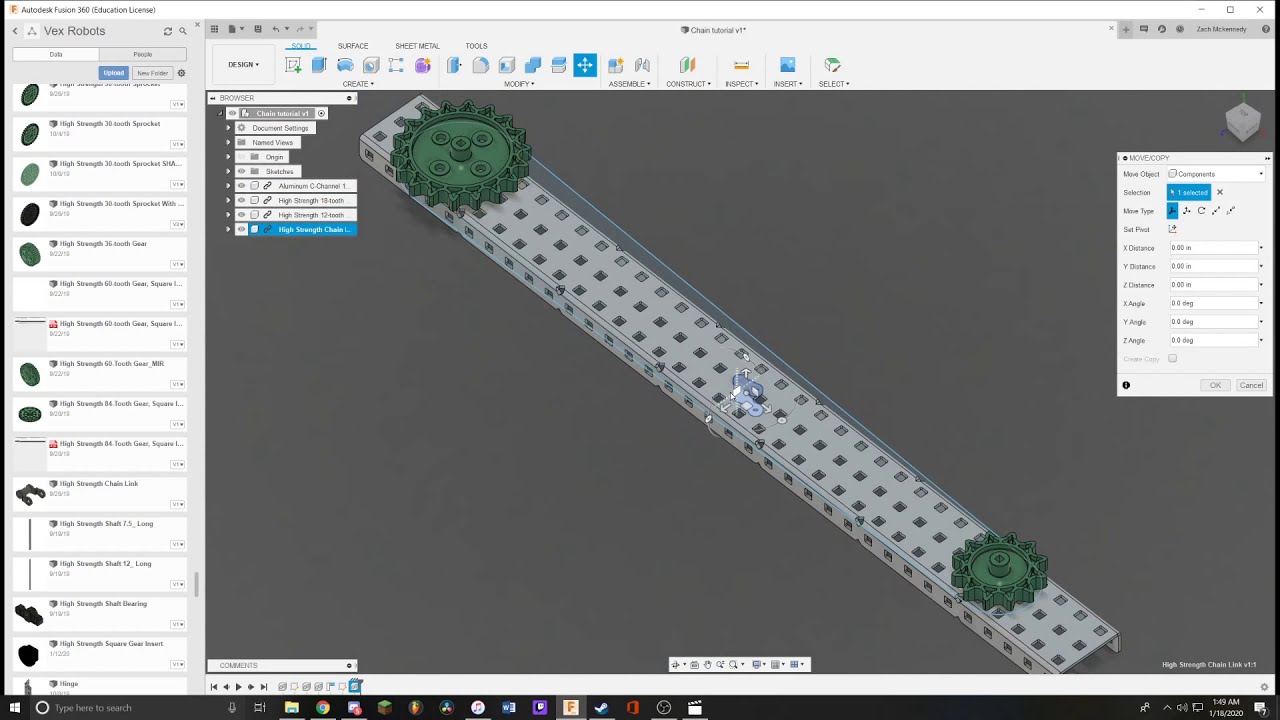
is there a simple and fast method for CADing chain?
i know a few people have asked but i have not seen a response to that
BTW these CAD models are absolutely terrific vex should link this off of the competition page
Thanks for the kind words, I am planning to live stream me making the 202Z itz robot and you will be able to see how I do them there. But, if you want I can make a video on how to cad chain quickly.
If you don’t mind my asking, why do you have to subtract .386 from the total distance. Does it have to do with the difference in the chain links forming a polygon rather than a circle around each sprocket? (Meaning the subtracting value would change based on the size of the two sprockets)
.386 is the length of one link of chain (as measured from the center of the connecting hole to the connecting pin). Im not sure exactly where he subtracted that value (as I have not been able to see the video with sound yet) but I imagine he subtracted it when running the length of chain in order to account for the already placed link.
I made a CAD model for them!! I don’t have the files(had to re instal windows) but here is the image. Also @Zach_929U, are you looking for help on this?
PS. There is some stuff missing, this wasn’t the final. it’s just what I still have 91C full dwg 4.pdf (833.5 KB)
Exactly what @Gameoa said, .386” is the size of one link and to adjust for the 1 link that is already placed you need to subtract that distance from the total distance of the path. The same with the next step, to calculate the total amount of links around the path you divide that total distance by .386”.
You can get a student license for Fusion 360 from their website and download it from there onto a Mac. There are a TON of tutorials both in youtube and the forum. And as for the libraries, s few people have their own but every part VEX sells has a CAD file attached to the info part on the bottom.

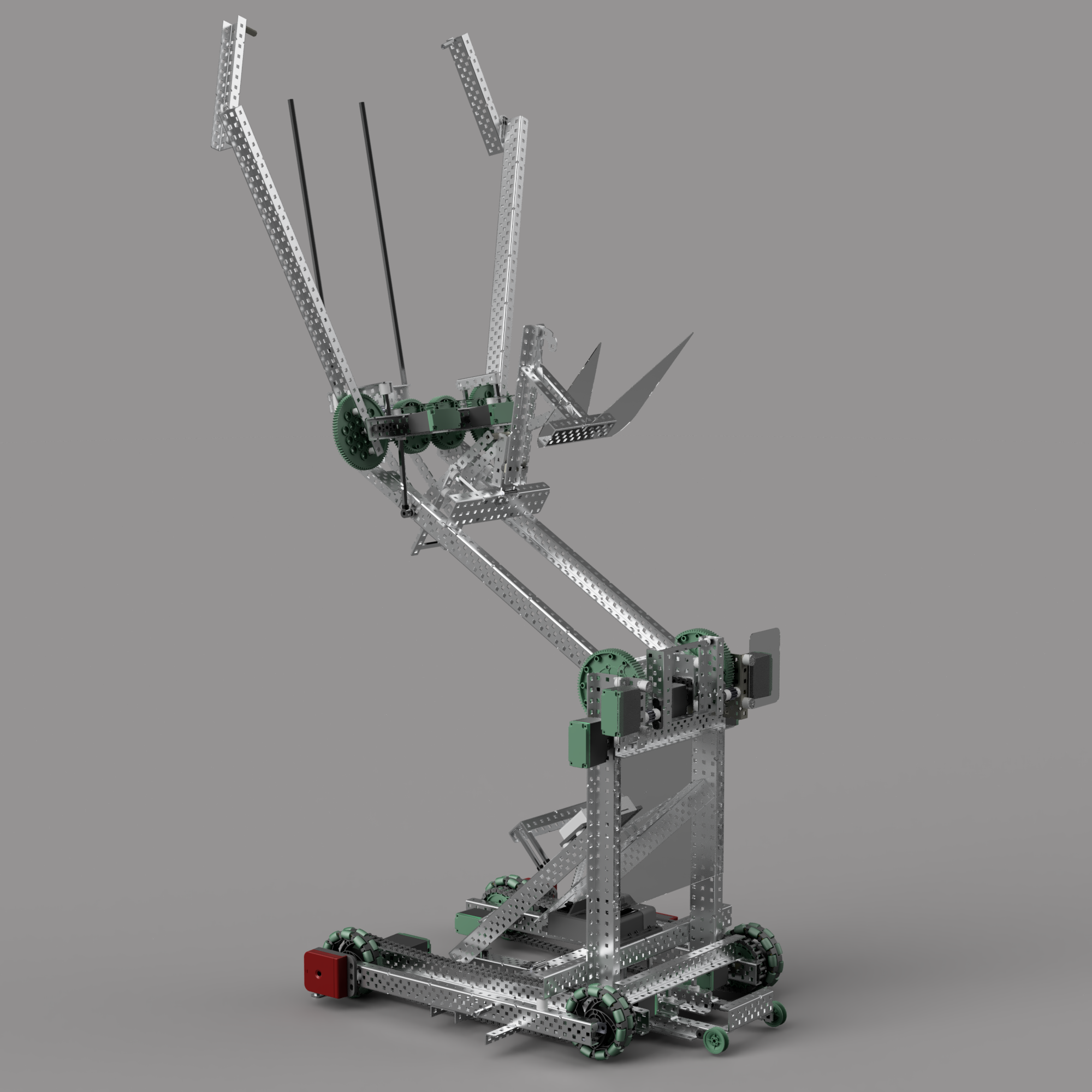
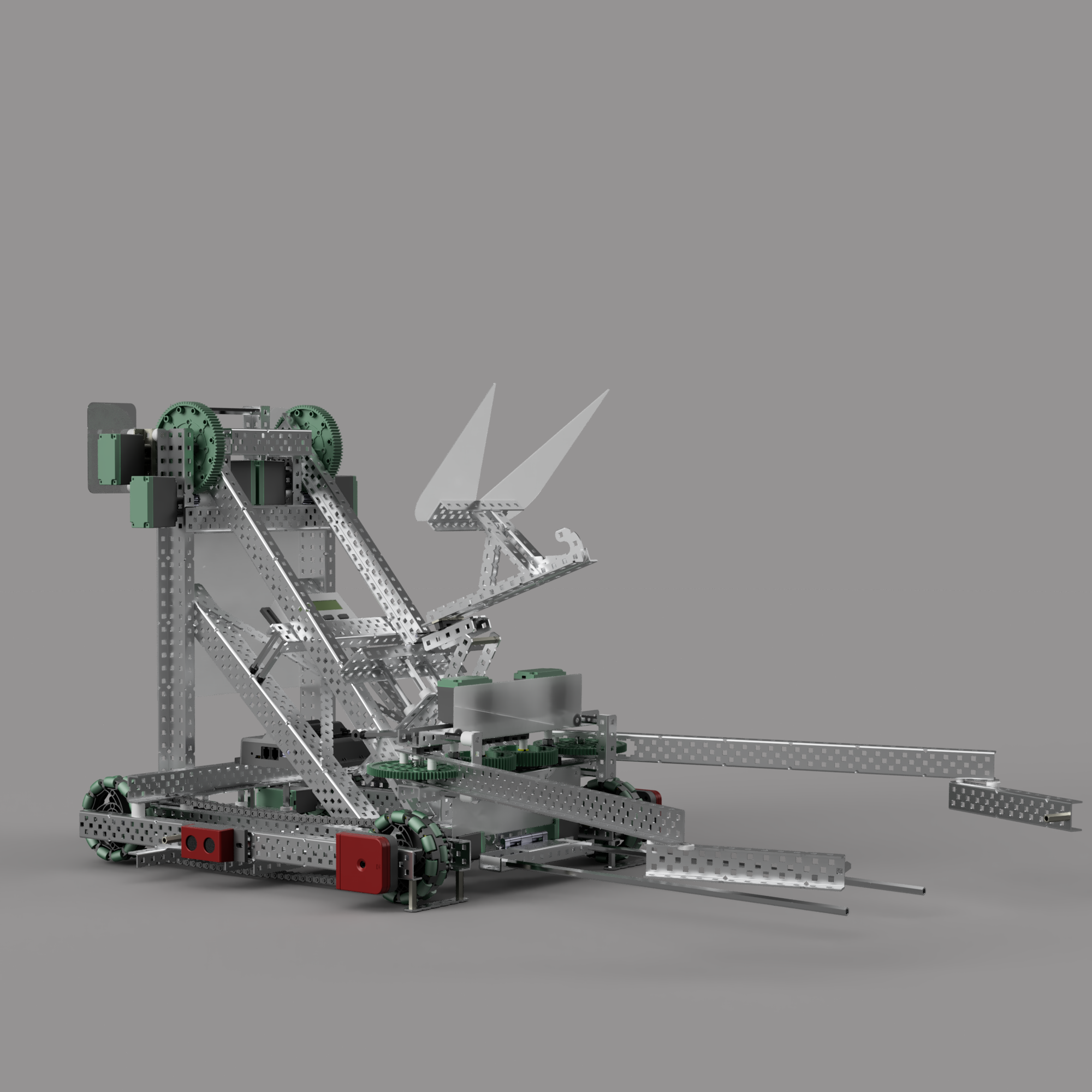
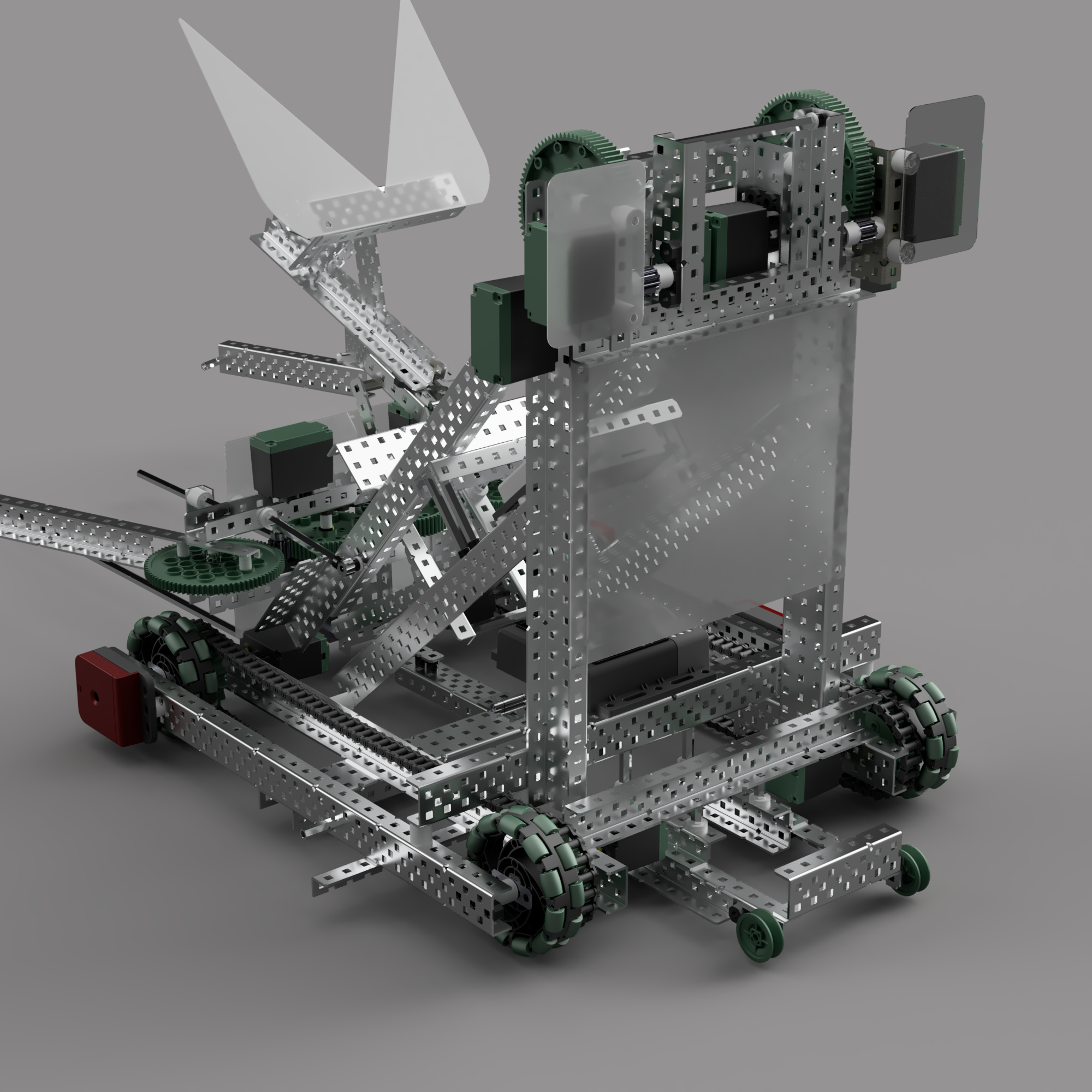

 makes me wanna cad my bot but it’s not good enough and I’m not good enough at cad for that