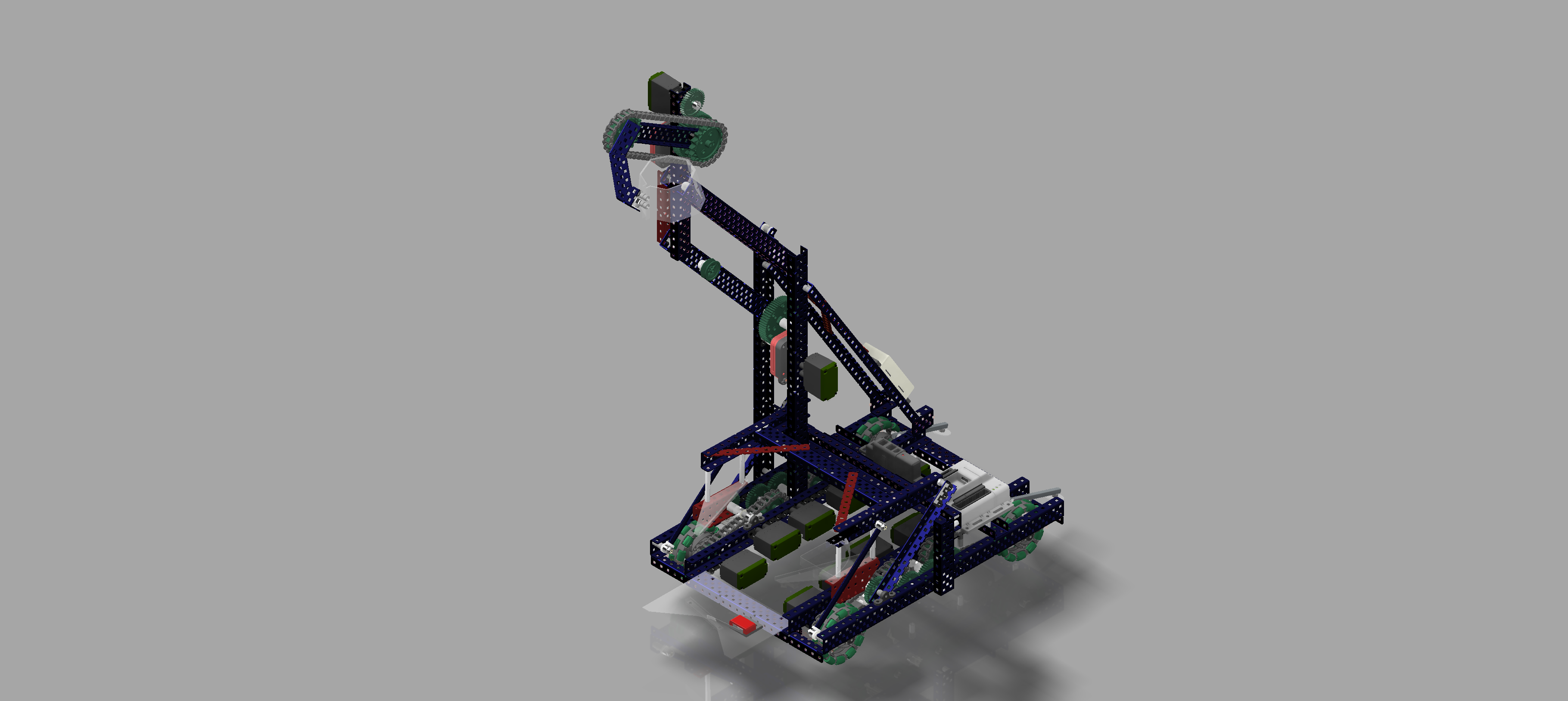
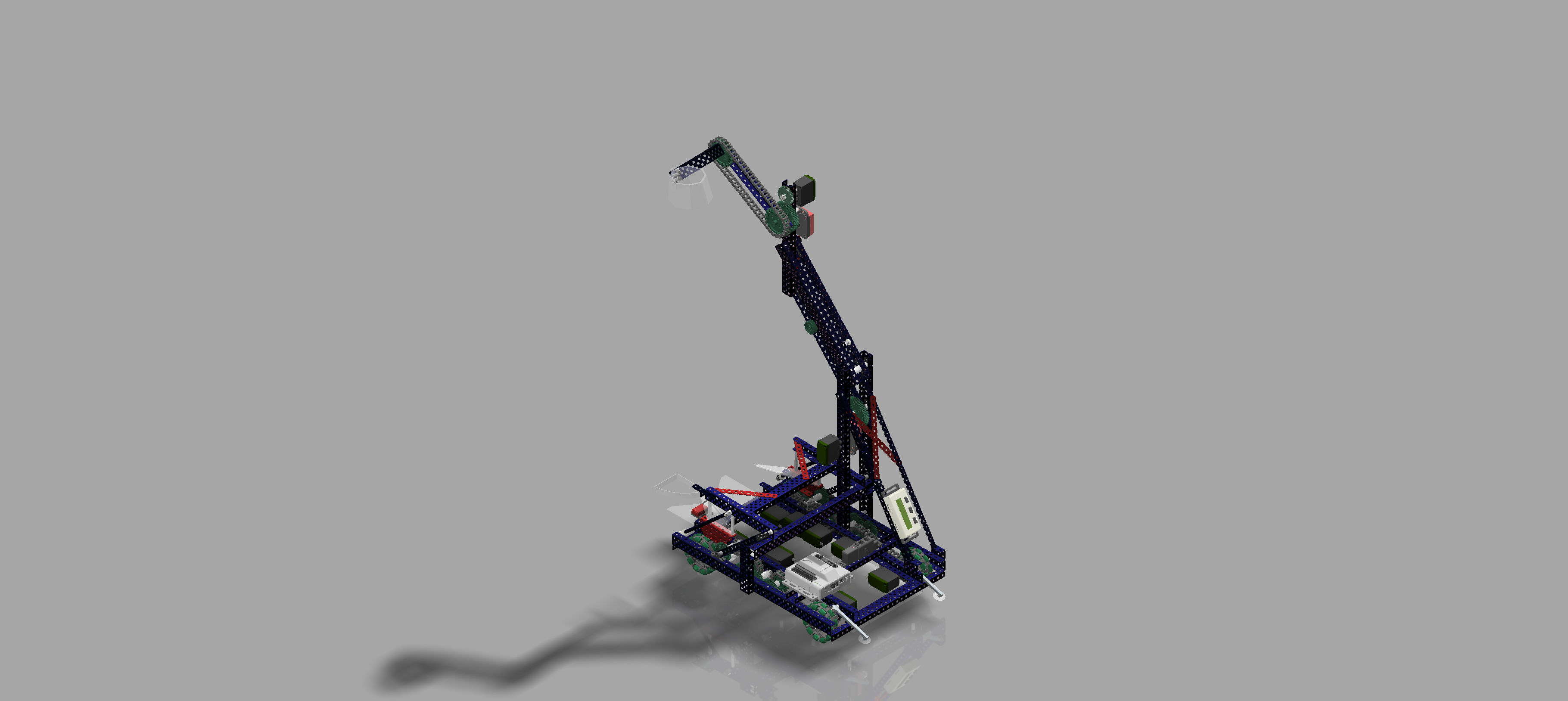
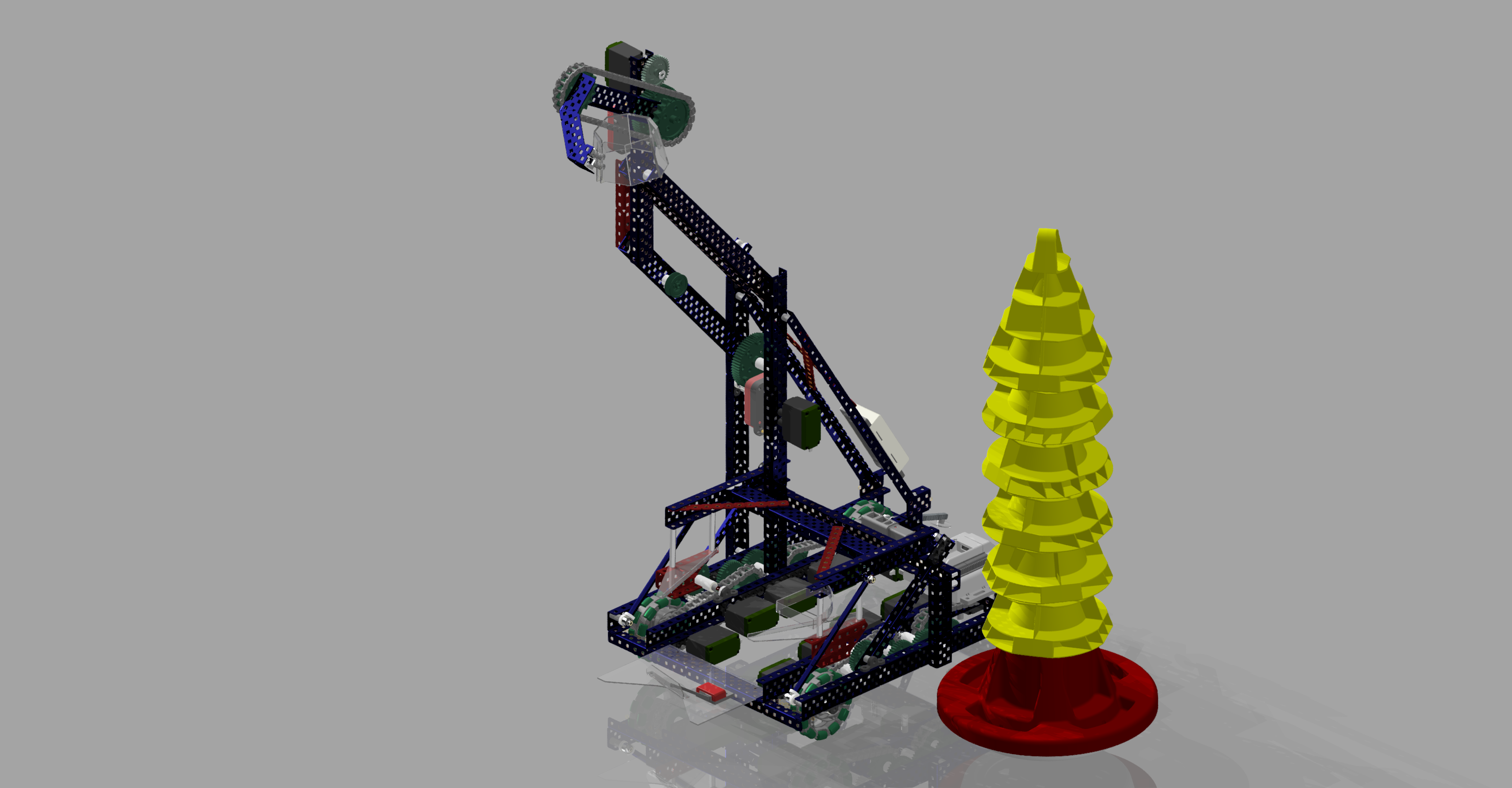
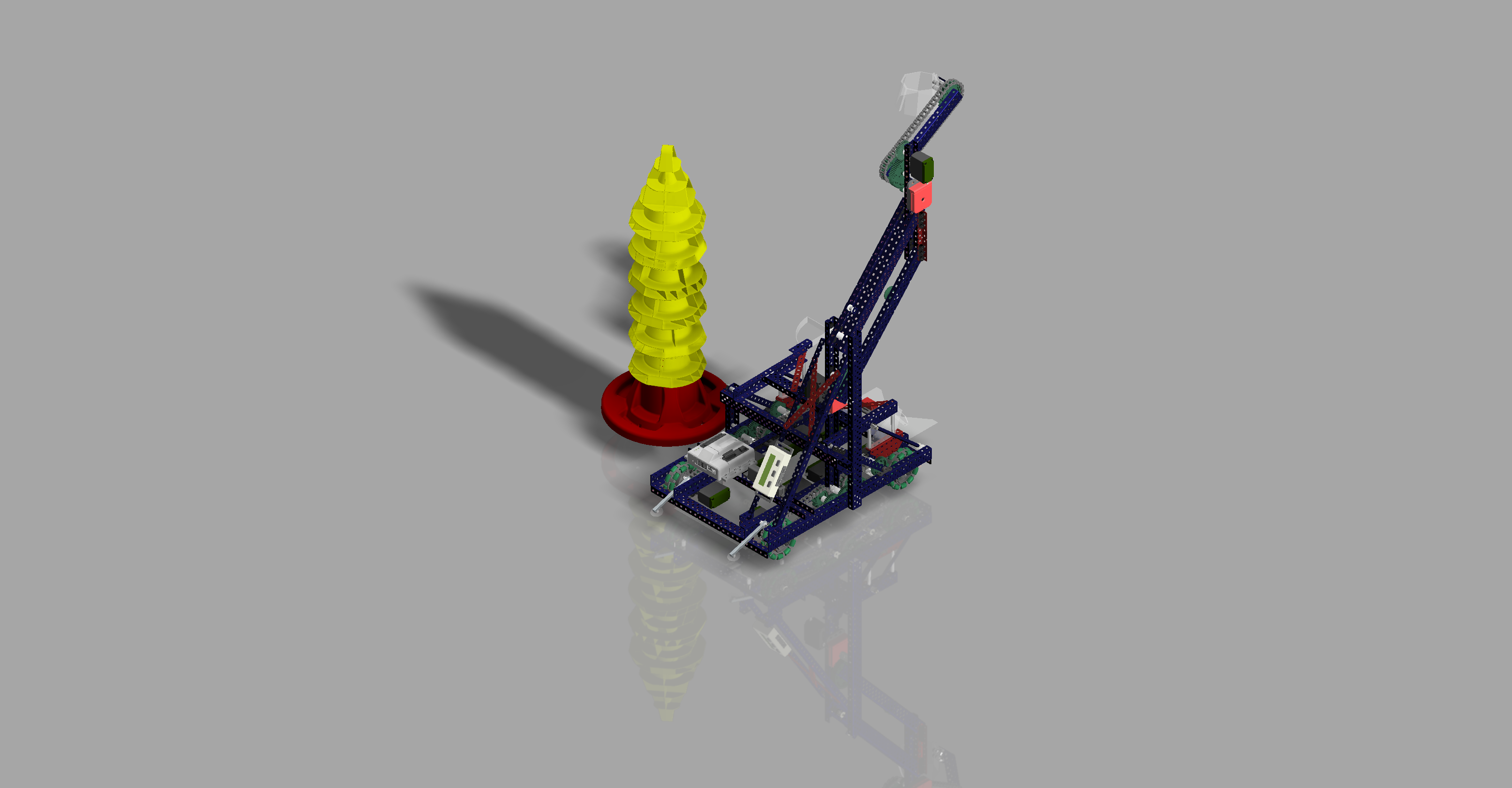
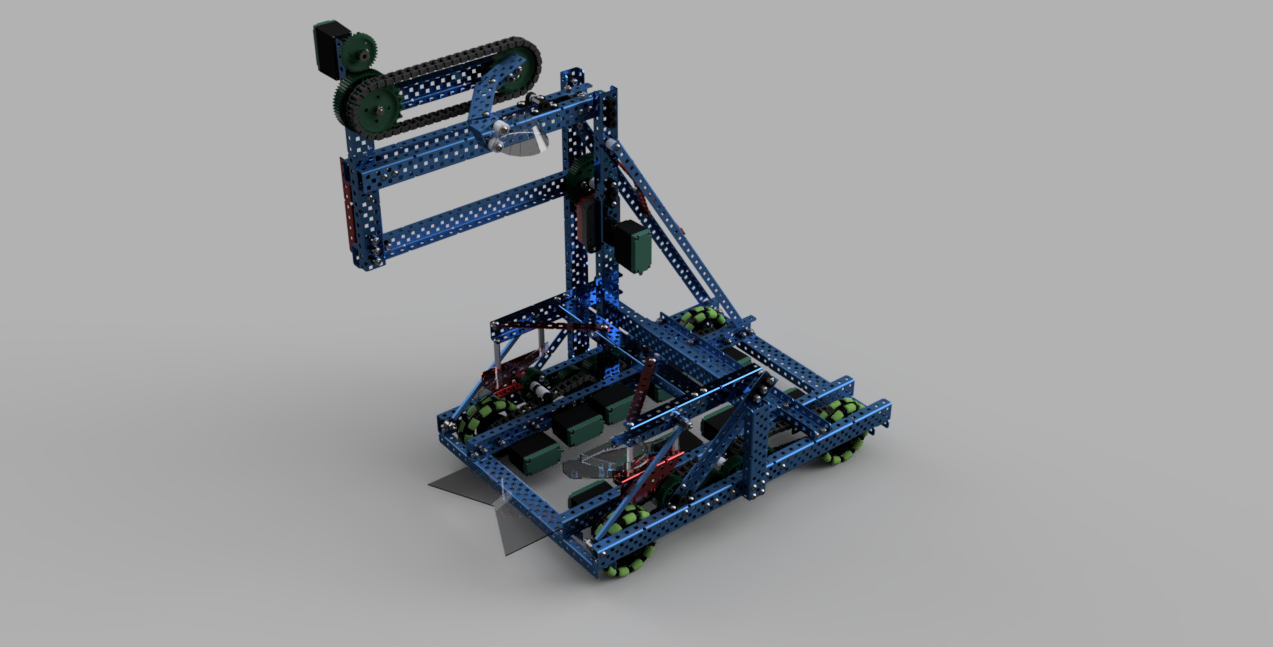
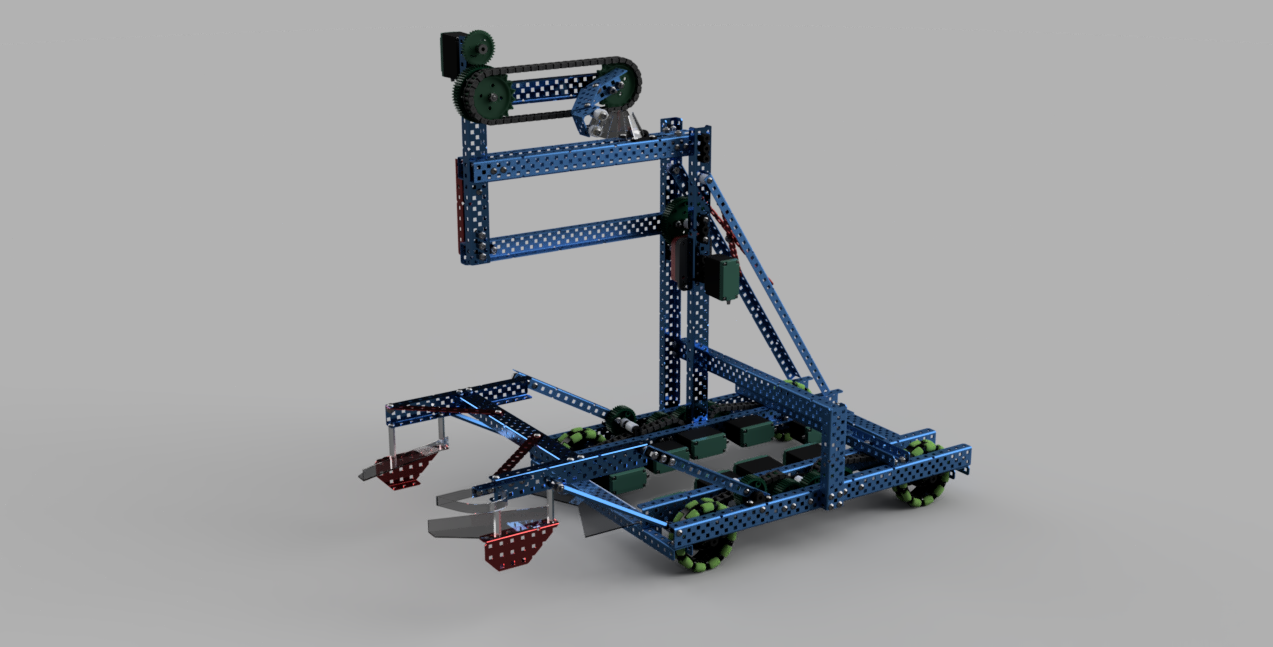
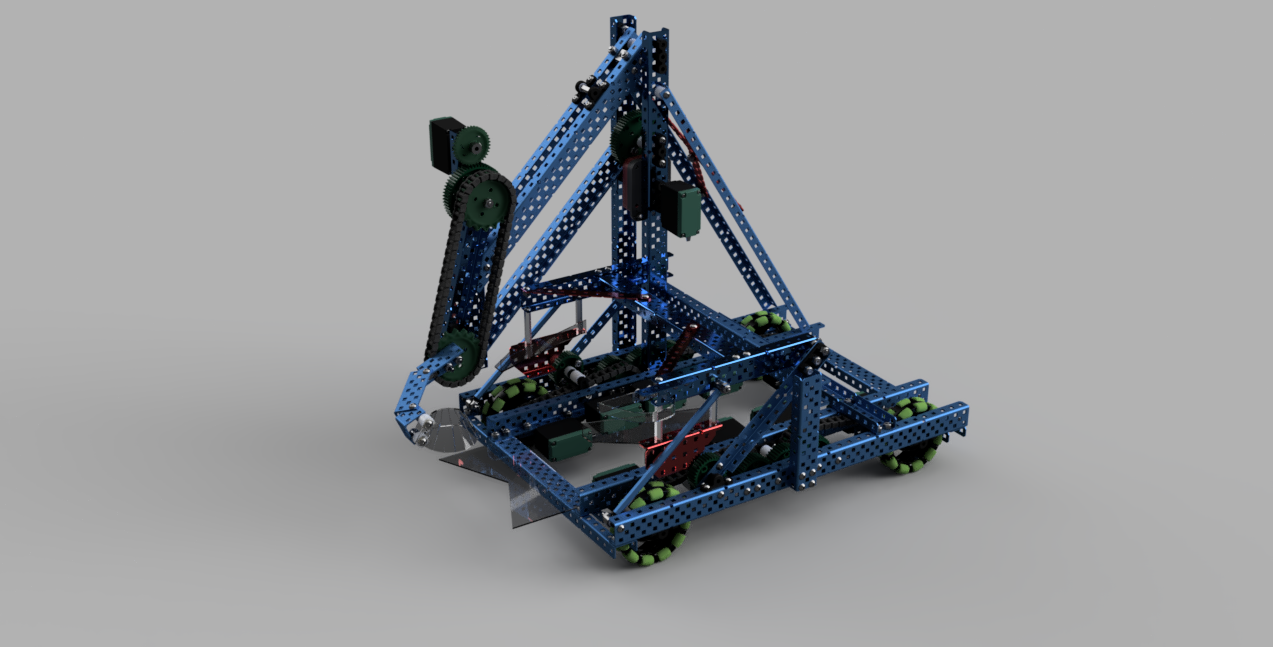
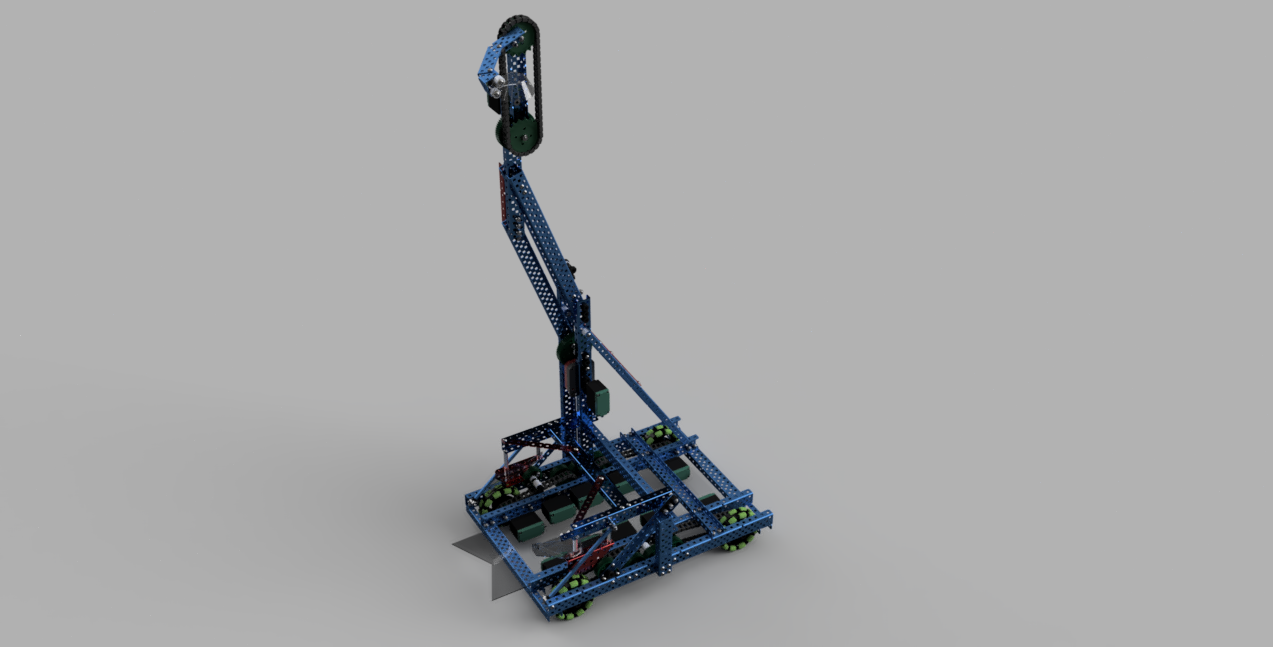
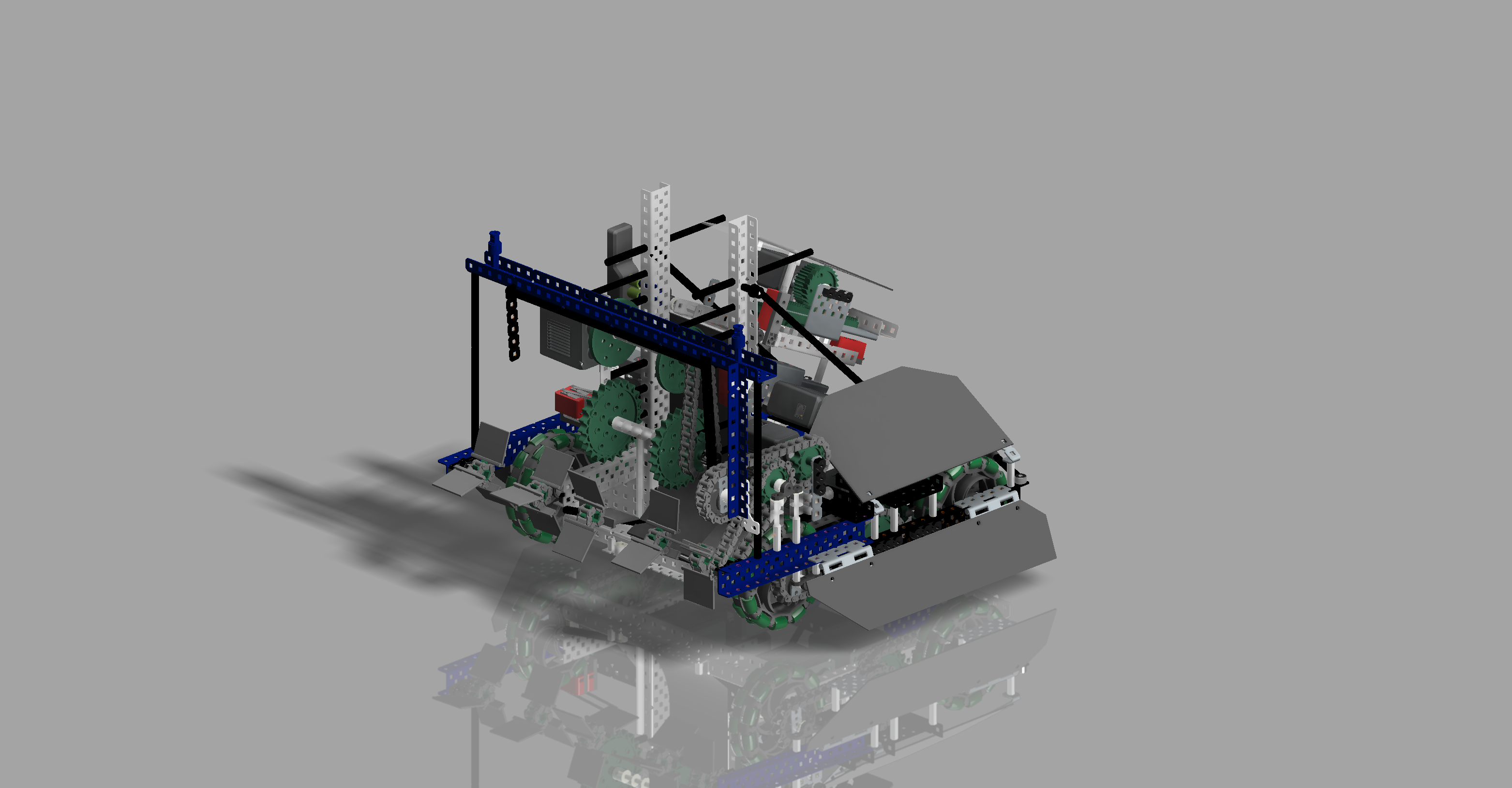
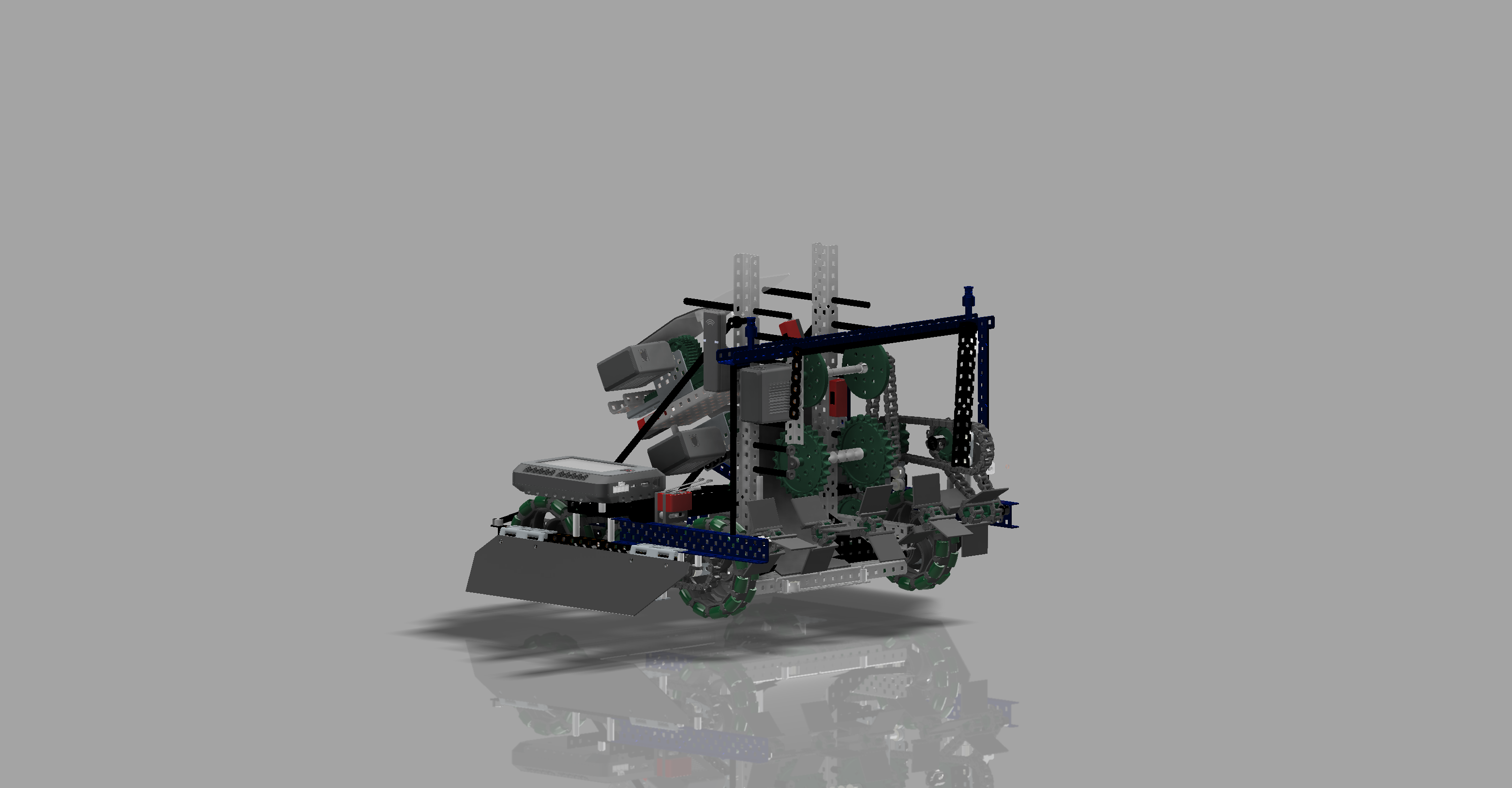
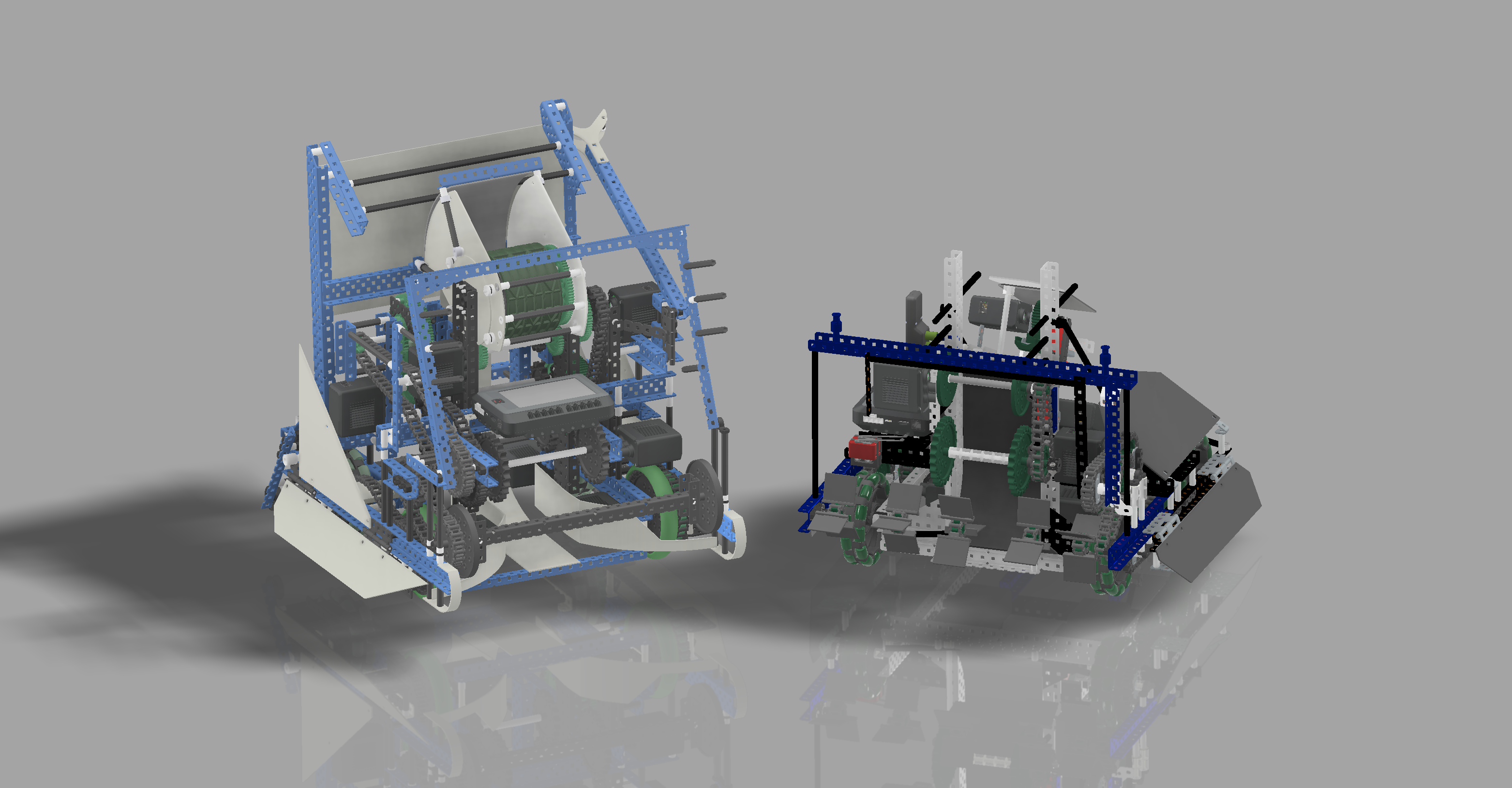
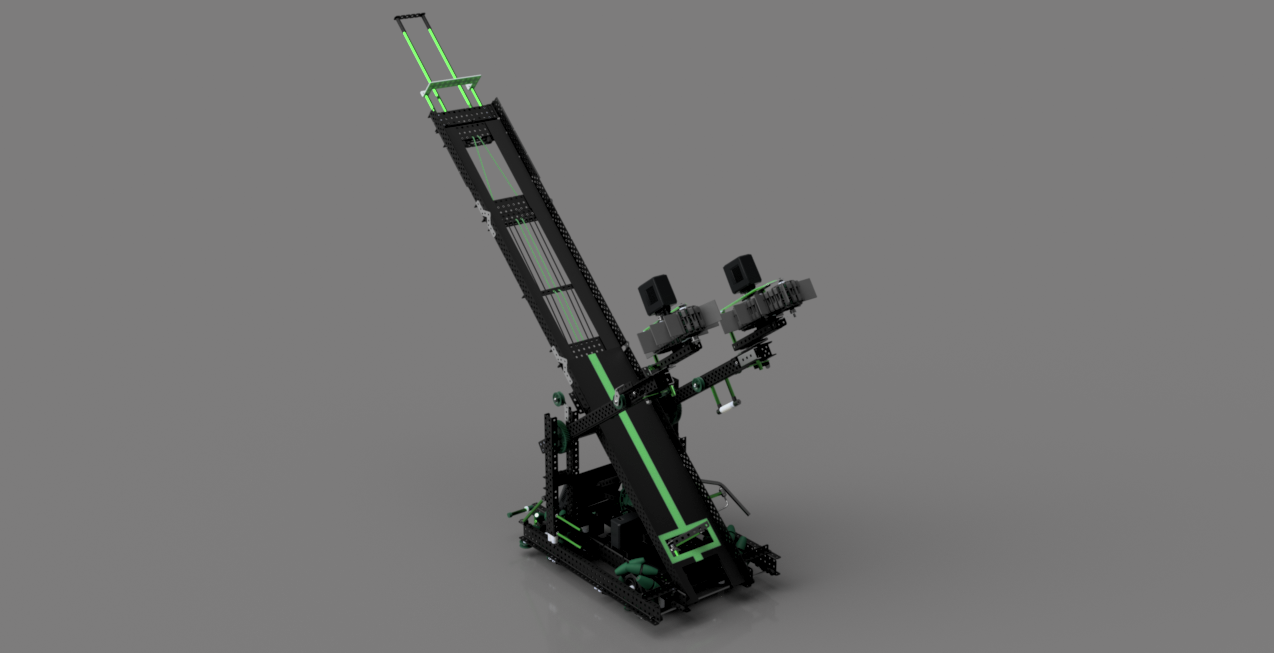
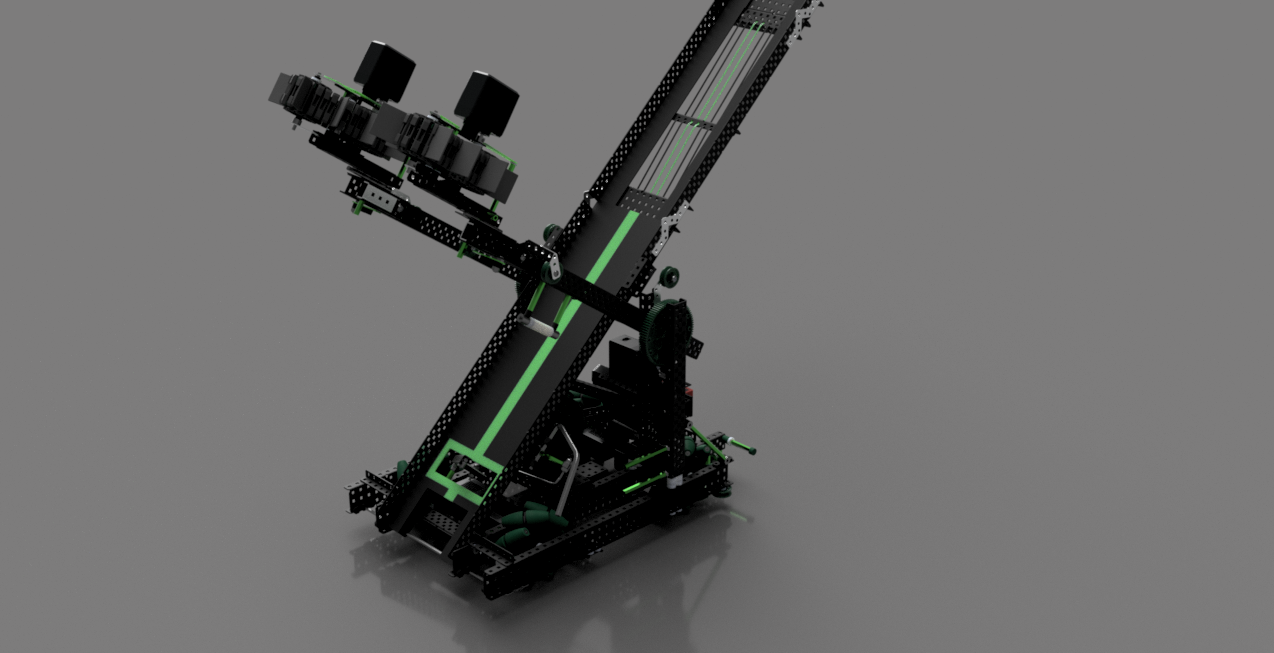
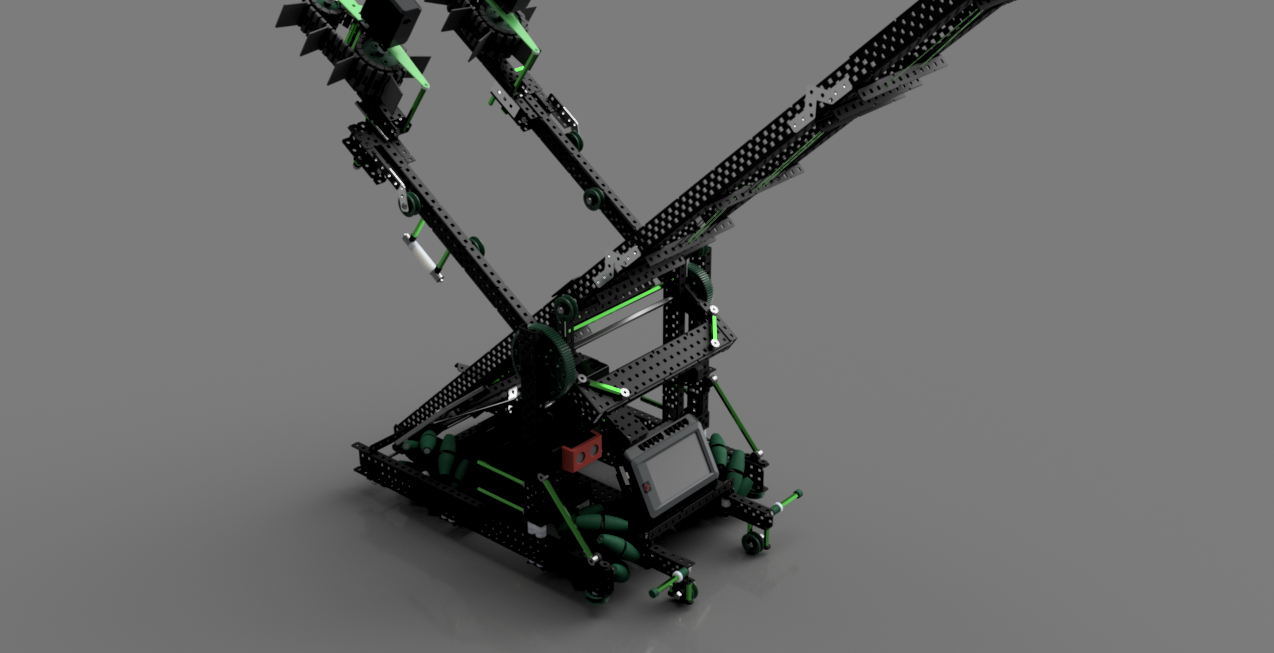
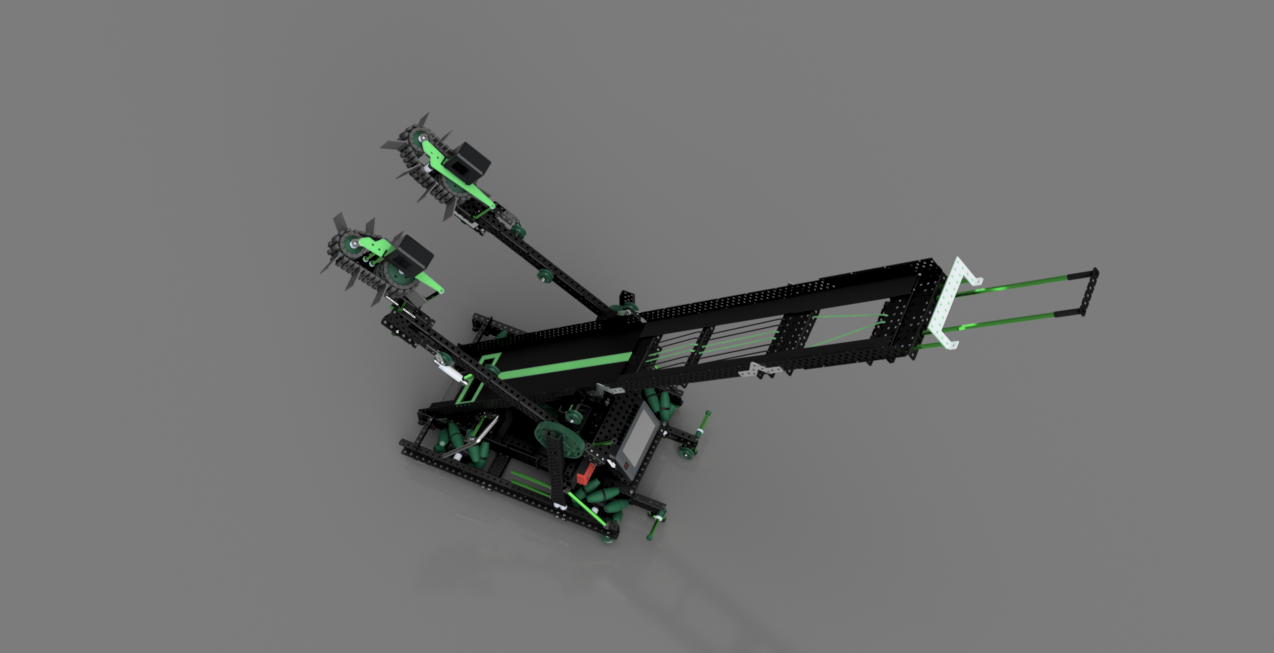
There are some part libraries that some teams have released on the vexforum which you can just search for. You can also find each part have its CAD file at the bottom of its page on vexrobotics.com
It is not that hard. They have a very well built software which is easy to learn over a couple of week. I would also recommend you to look into autodesk inventor if you are using a windows computer and you do not need to switch computers frequently. Both of these can be had for free through the autodesk student program.
If you have any other questions, feel free to ask.
Looks like yours is more accurate. I couldn’t be bothered to properly match colors or fiddle with electronics. @Max_Johnson03 which robot will you be doing next? Id like to avoid another repeat.
Personally, I would love to see a CAD of @7K_Robotics’s TT robot, as it had the highest international skills score. No worlds to have a champion, but they are one of the best that TT has seen.
Additional renders and the STEP file should be uploaded to drive, so max’s link works here as well. I encourage everybody to download and take a look at this amazing robot. There’s a lot to be learned!
Thanks @7K_Robotics for working with me, and good luck in virtual worlds!