OK! “Print”/data/debug wrerlessly back to an iPad and I go buy one now!
And config/viewing Vision Sensor wirelessly via tablet! Its 2019! (I guess it isn’t possible…yet.)
OK! “Print”/data/debug wrerlessly back to an iPad and I go buy one now!
And config/viewing Vision Sensor wirelessly via tablet! Its 2019! (I guess it isn’t possible…yet.)
Is the iPad download available somewhere? I know our team will be thrilled with wireless programming.
iPad version is still in final development and will be available in early August… we’re targeting August 2nd, but Apple App Store review may delay that by a few days.
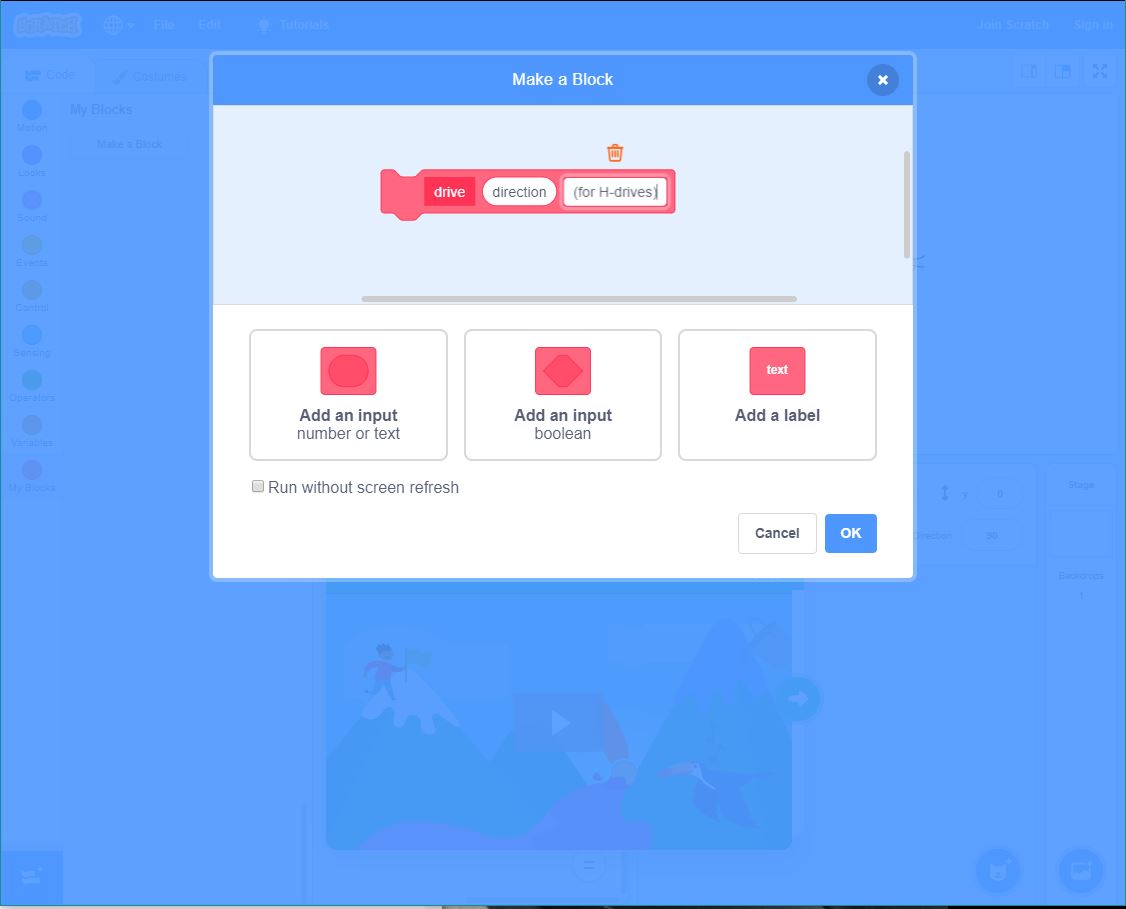
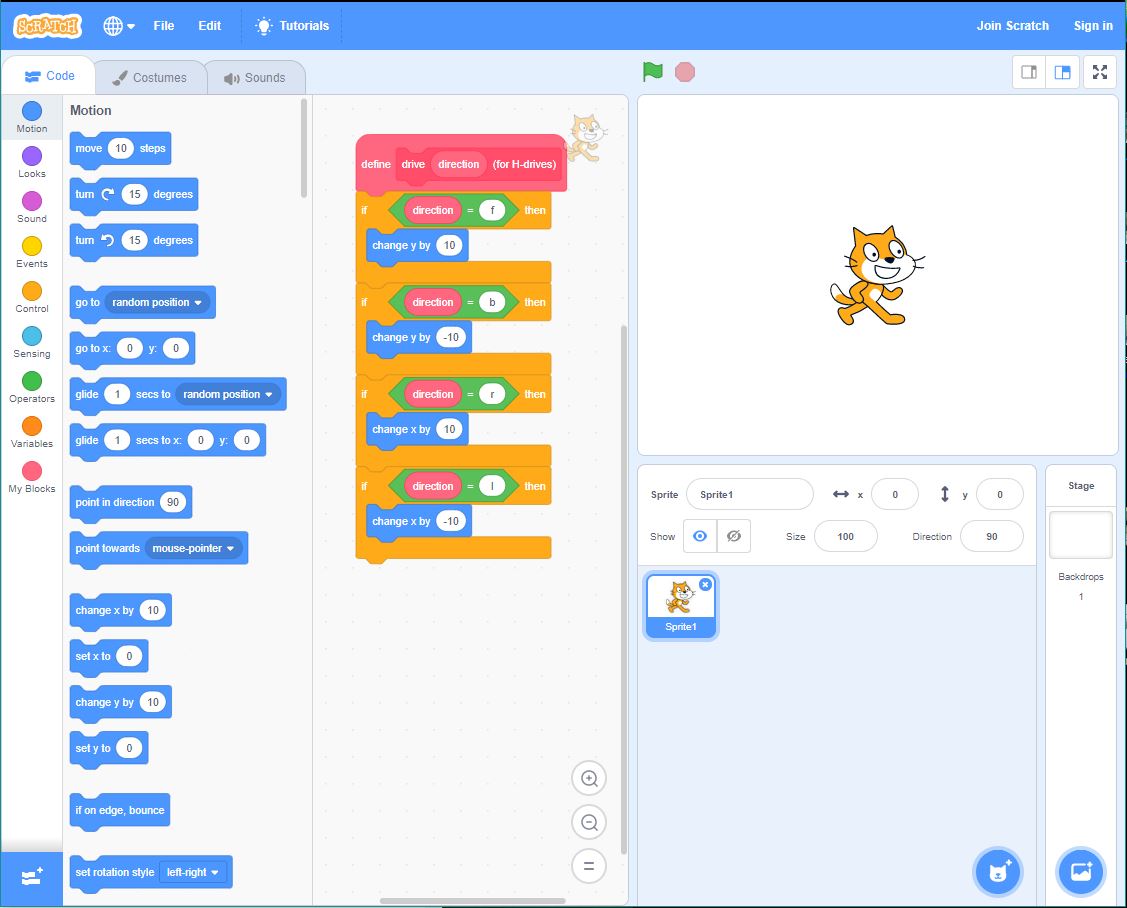
This is how scratch handles the custom blocks.
We plan on adding support for custom blocks in a future VEXcode Blocks release later this year. The UI will likely mimic what Scratch 3.0 currently does for “My Blocks”.
How can you adjust the joystick threshold? This is very important with the IQ platform.
Will Chromebook communicate via Bluetooth or is cable required?
Joystick dead zones are built-in into each one of the 4 control schemes (approx 5% range). For users that want more control over dead zones/thresholds, we’re adding a few examples to the 1.0 build to show how you can create your own finely-tuned Driver Control code.
USB Cable as of 1.0.
Thanks for quick reply.
This is great news. We have more Chromebooks than desktops and they’re mobile(teams can spread out).
My school is 1:1 iPads so reeeeealy looking forward to that release.
Thank you so much for the information you have provided.I do admire the effort and consider this as a great help.
FYI - VEXcode IQ Blocks 1.0 was submitted to the Apple App Store this morning for review… 
We know…
VEXcode V5 Text has replaced VCS text.
Should we also assume:
VEXcode V5 Blocks will replace VCS Modkit.
???
That is correct.
More info can be found here:
So, it has finally come to this… the death of VCS is upon us.
VEXcode IQ Blocks look pretty good for an initial release!
Here are some suggested improvements:
Tabs. There is currently a single tab named “Code”. Large programs will be much easier to manage with the ability to add more tabs, rename them, and drag chunks of blocks from one tab to another. Also make the “share” (print to pdf) have the option to print one, or multiple, or all of the tabs.
Copy/Paste. The ability to click on the Event (header) of the group of blocks, then make a duplicate copy of all of the blocks, which would act just as if a user had manually dragged that same set of blocks out of the menu.
Option to turn off “auto-save” it is too easy to make a bunch of changes that you don’t want to save, and realize that the changes were saved instantly.
Thanks, Paul
VEXcode IQ Blocks for iPad is finally approved!
Thanks for that feedback. Tabs is on our roadmap. You can duplicate a block or a stack of blocks right now, by right-clicking or long pressing a block.
Any way this can get back ported to a 10.3 level of iOS? Our iPads are stuck on that release.