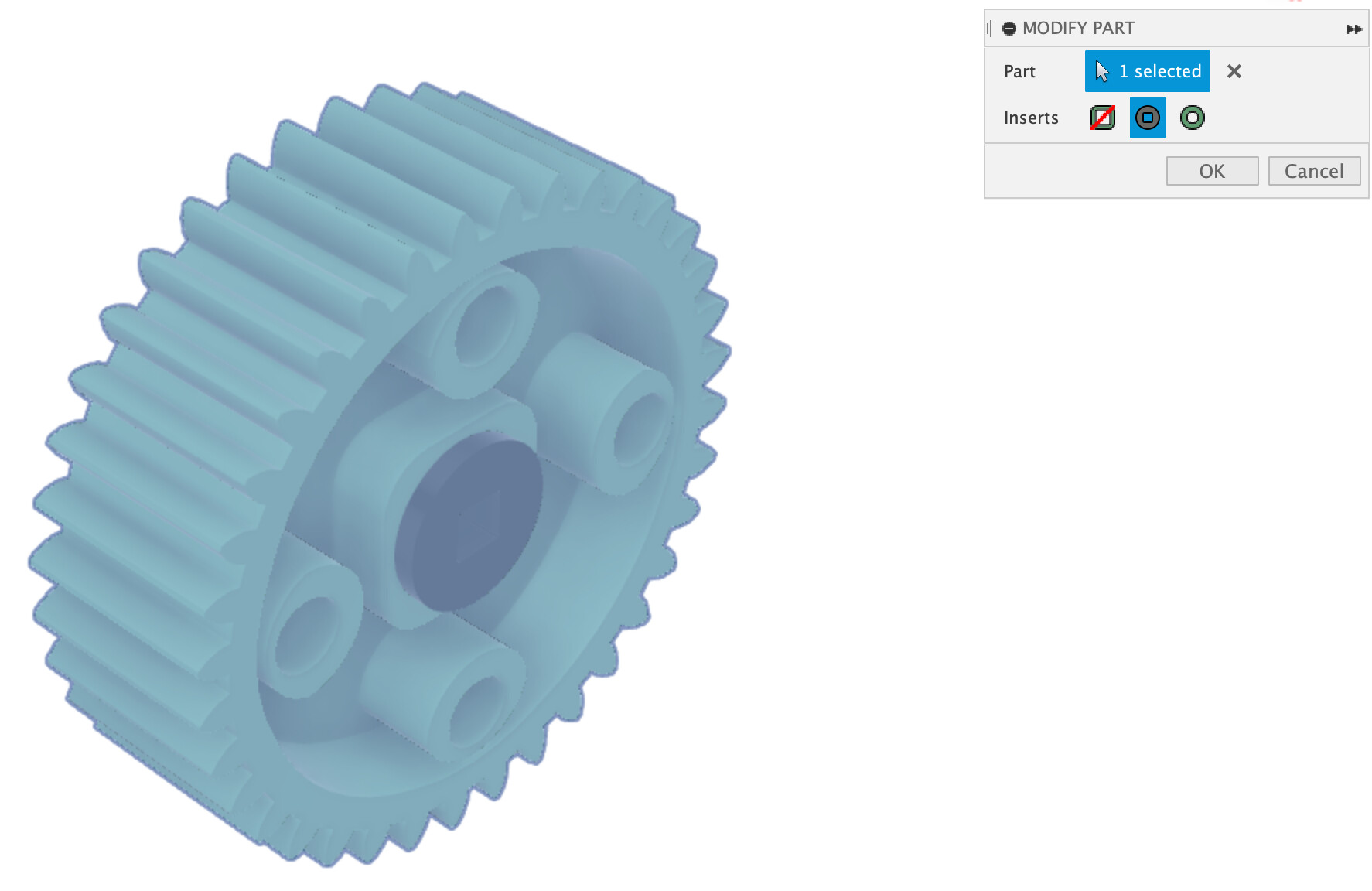
The method above definitely works, but there is an easier way to do it.
First, open the Joint tool which can be done by pressing the J key. Then select the round inside edge of the insert, and it will place the join origin in the center. This is the component that will move.
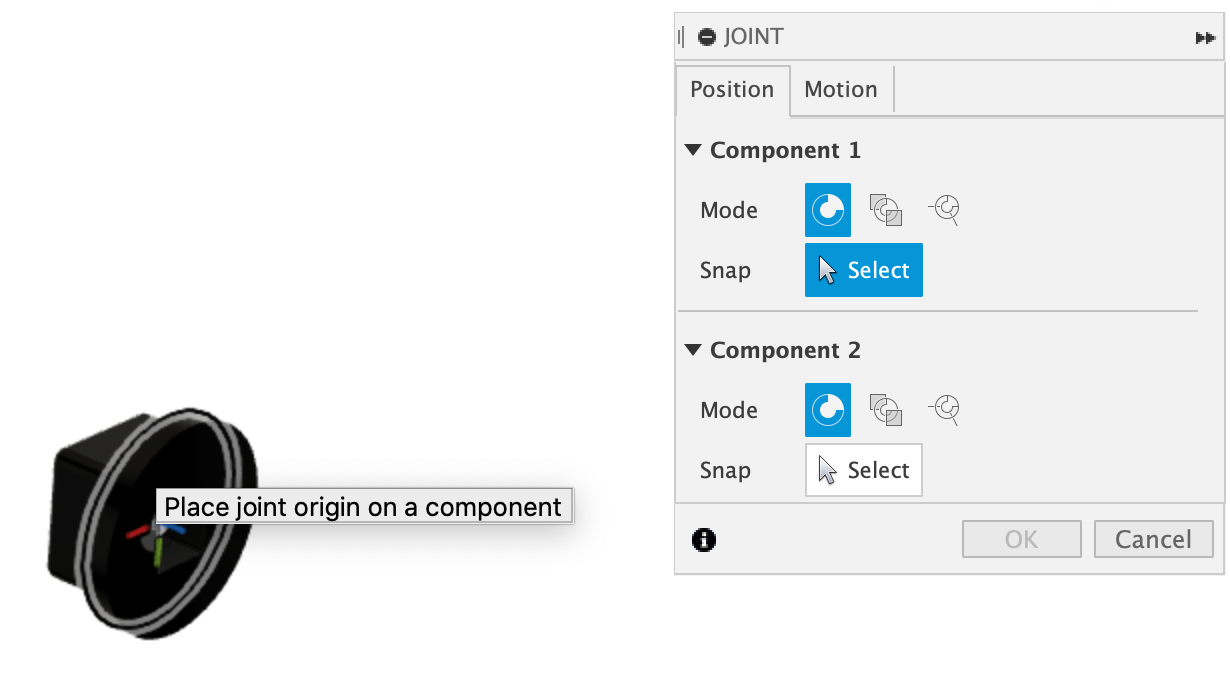
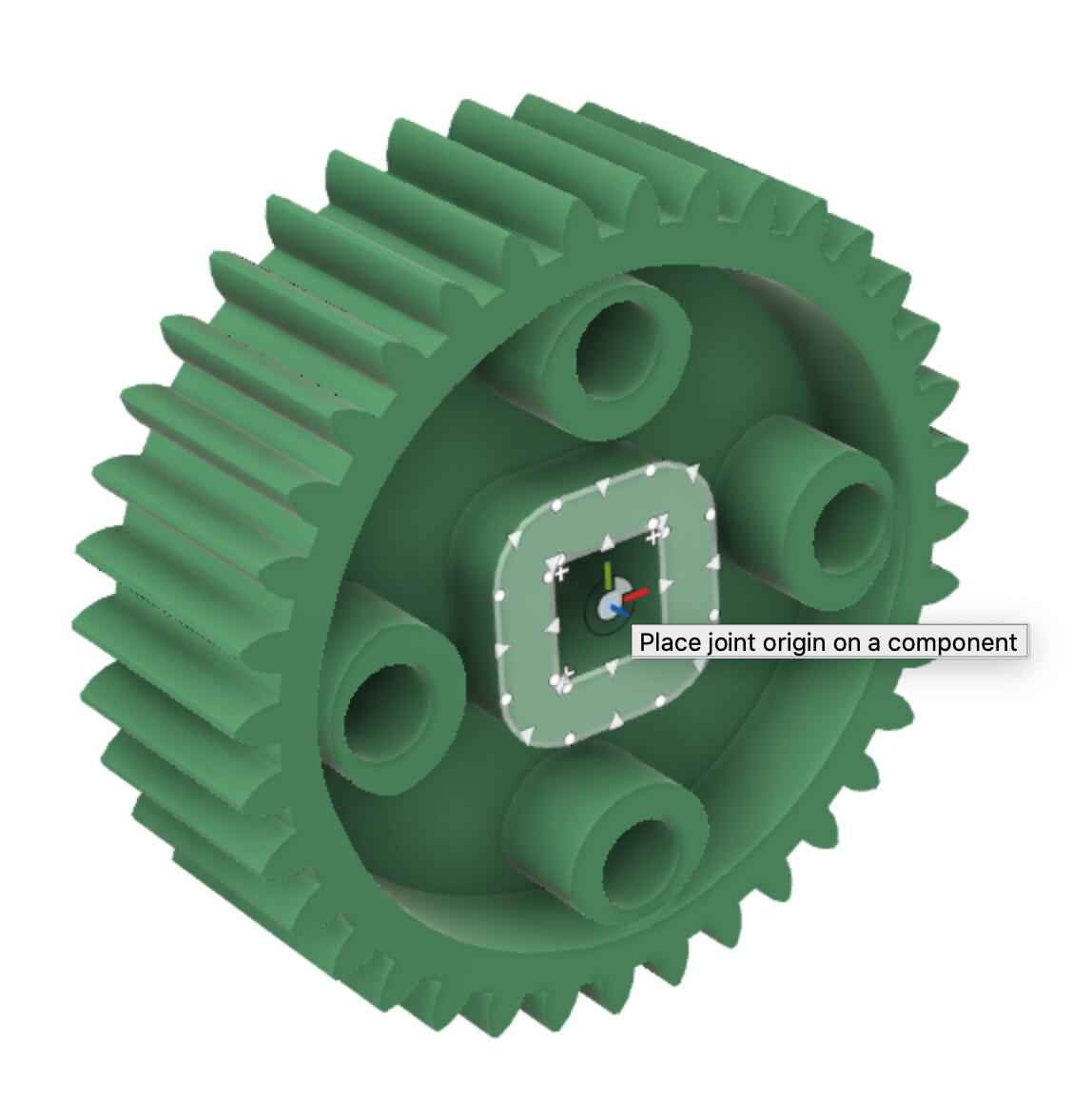
After that, mouse over the flat face on the gear and then hold down the control or command key. While holding the key down, move your mouse to the snap point in the middle of the face and click on it.
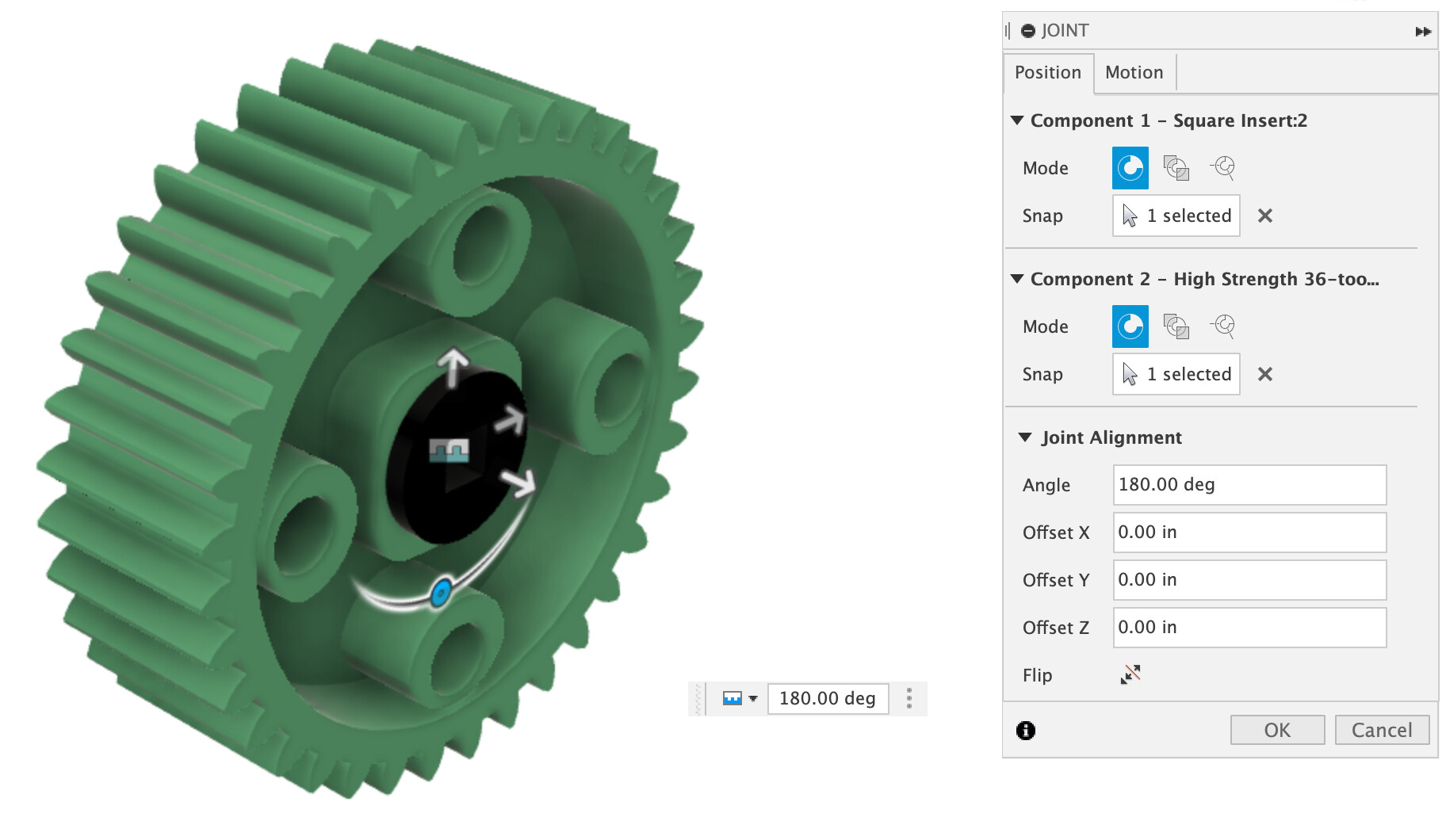
The insert will then move to the gear and be perfectly alined. Just click ok and the joint is done.
Another option would be to use the VEX CAD Fusion 360 library, which comes with pre-joined inserts in the gears which can be changed out easily using the add-in.